NG-MB1/NG-MB2 User Manual
Page | 8 Copyright©2022 NGTeco. All rights reserved.
2.3 Face Enrollment
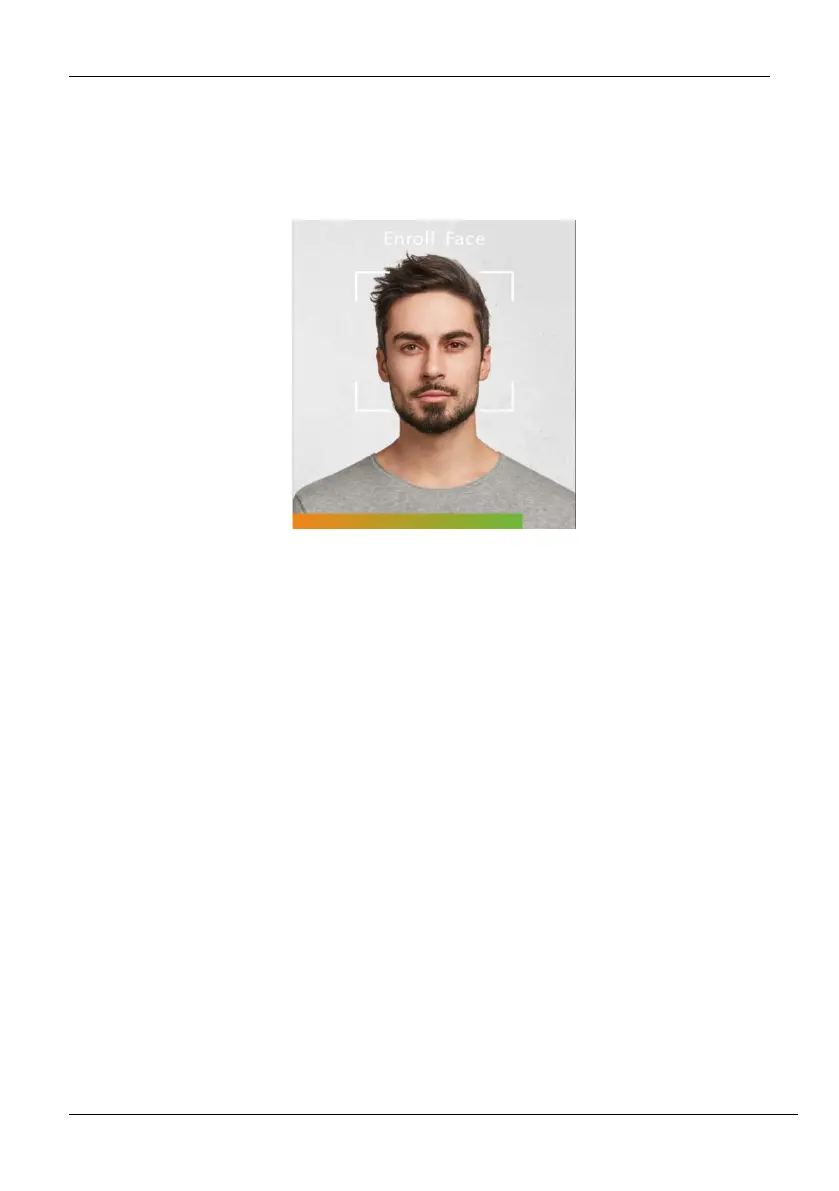
Try to keep the face in the centre of the screen during registration. Please face towards the
camera and stay still during face registration. The screen should look like this:
Correct face registration and authentication method
Recommendation for registering a face
When registering a face, maintain a distance of 40cm to 80cm between the device
and the face.
Be careful not to change your facial expression. (smiling face, drawn face, wink,
etc.)
If you do not follow the instructions on the screen, the face registration may take
longer or may fail.
Be careful not to cover the eyes or eyebrows.
Do not wear hats, masks, sunglasses, or eyeglasses.
Be careful not to display two faces on the screen. Register one person at a time.
It is recommended for a user wearing glasses to register both faces with and
without glasses.
Recommendation for authenticating a face
Ensure that the face appears inside the guideline displayed on the screen of the
device.



 To Next Page