NG-MB1/NG-MB2 User Manual
Page | 19 Copyright©2022 NGTeco. All rights reserved.
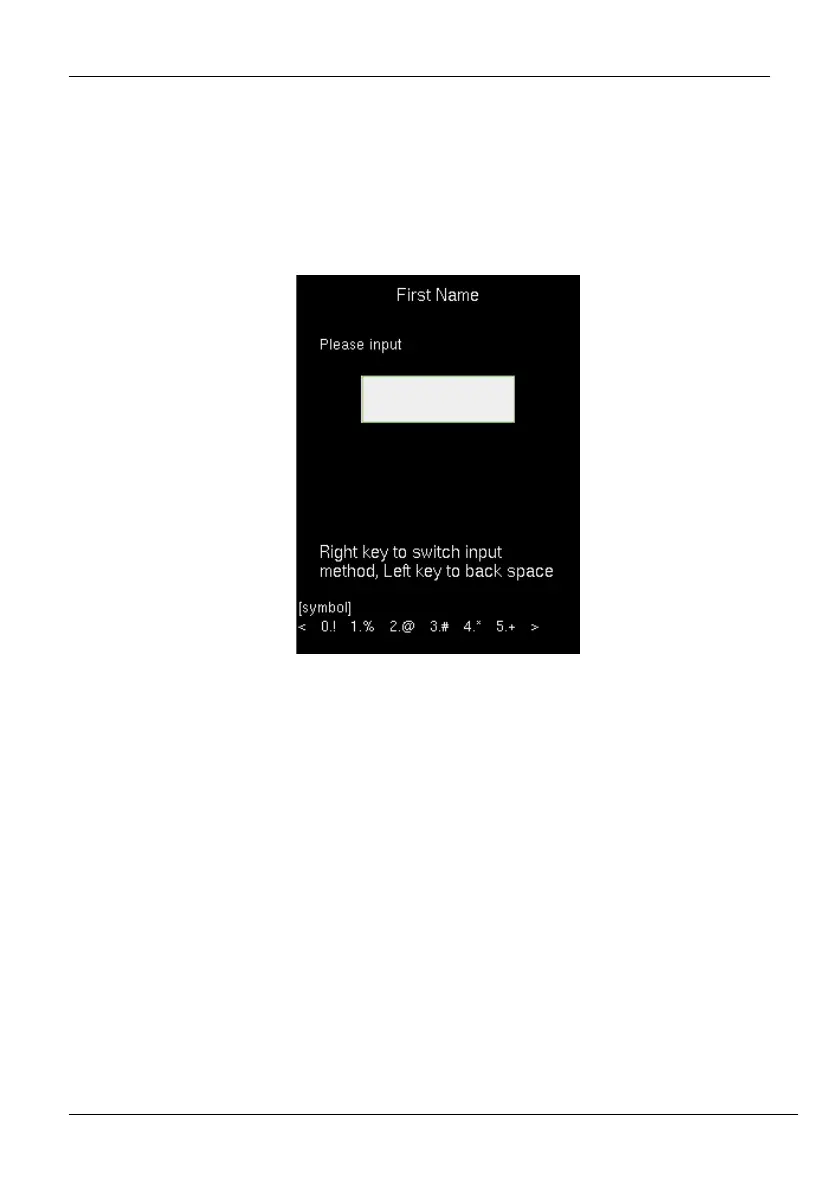
2. Each key on the keypad has a few letters printed above them. For example, pressing 3
can enter D, E, and F. To enter "F", press 3 thrice. This is accomplished by comparing
the number of keystrokes with the internal syntactical dictionary to determine the
letter.
3. Press < ▶> or <> to switch between Uppercase, Lowercase, and Special characters.
4. To add the special character, press the corresponding key once. For example, to enter
"@" press 2 once.
5. After the input is complete, press the <M/OK> key twice to save.



 To Next Page