NG-MB1/NG-MB2 User Manual
Page | 38 Copyright©2022 NGTeco. All rights reserved.
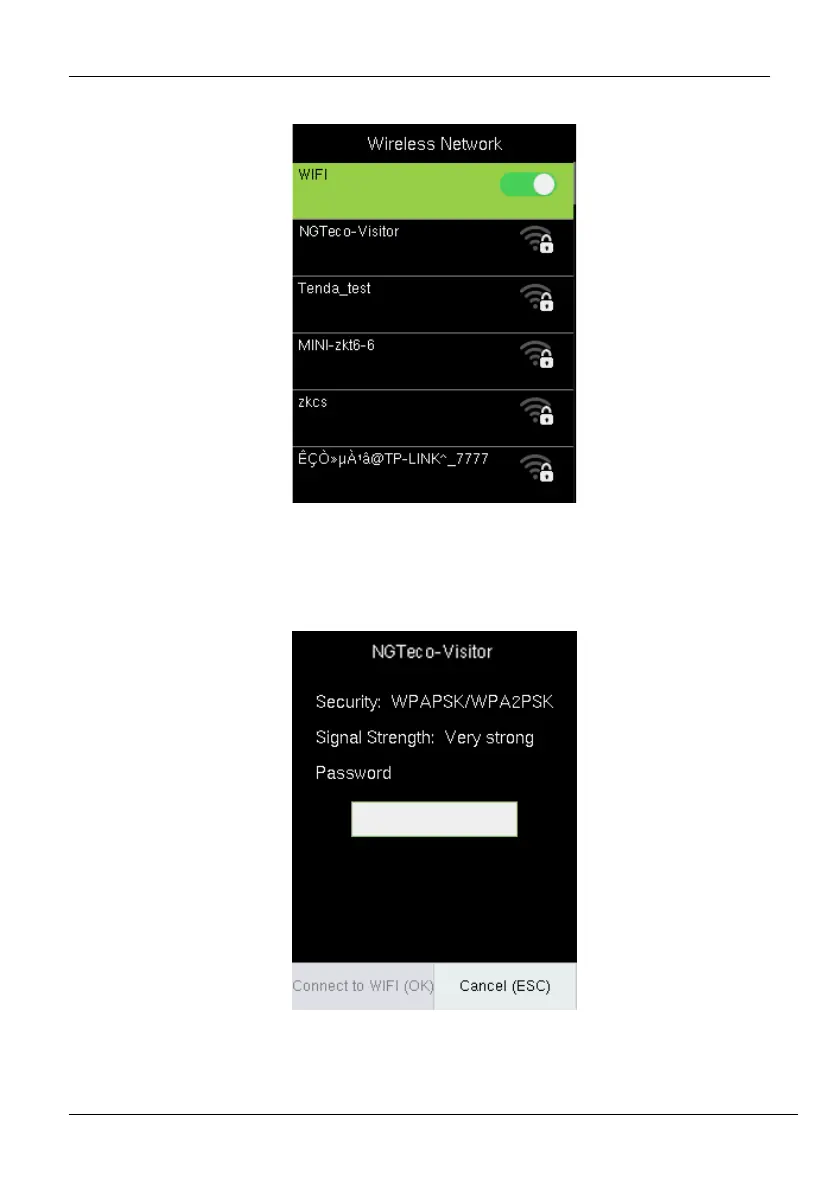
2. The list of available Wi-Fi connections will be displayed as shown below:
3. Navigate to the required Wi-Fi connection and press <M/OK>.
4. The interface to connect Wi-Fi will be displayed as shown below. If the signal strength is
weak, the device may fail to connect.
5. Navigate to [Password] and enter the password to connect.
6. Then navigate to [Connect to WIFI (OK)] and press <M/OK>.



 To Next Page