NG-MB1/NG-MB2 User Manual
Page | 47 Copyright©2022 NGTeco. All rights reserved.
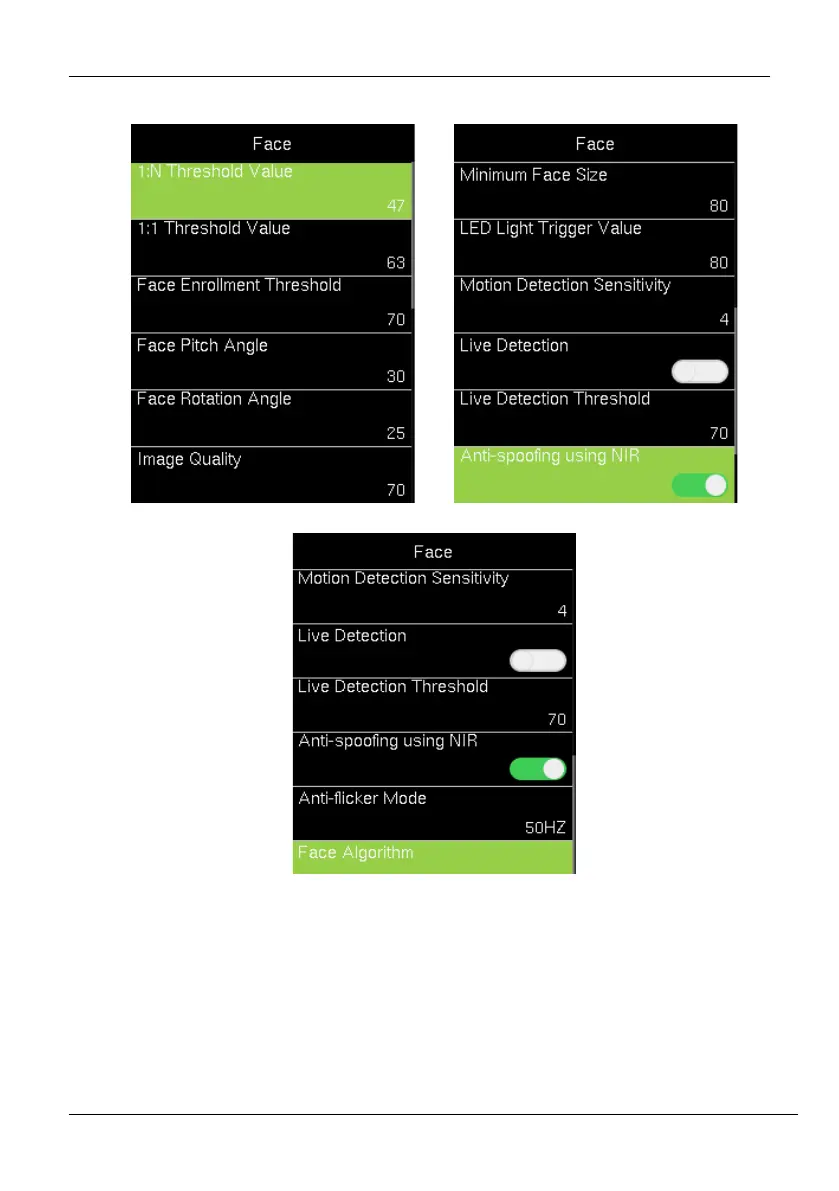
2. Then go to [Face] and press <M/OK>. The interface appears as shown below:
The following are the required parameters to set the Fingerprint.
1:N Threshold Value: Under 1:N verification mode, the verification will only be
successful when the similarity between the acquired facial image and all
registered facial templates is greater than the set value. The valid value ranges
from 0 to 100. The higher the thresholds, the lower the misjudgment rate, the



 To Next Page