NG-MB1/NG-MB2 User Manual
Page | 59 Copyright©2022 NGTeco. All rights reserved.
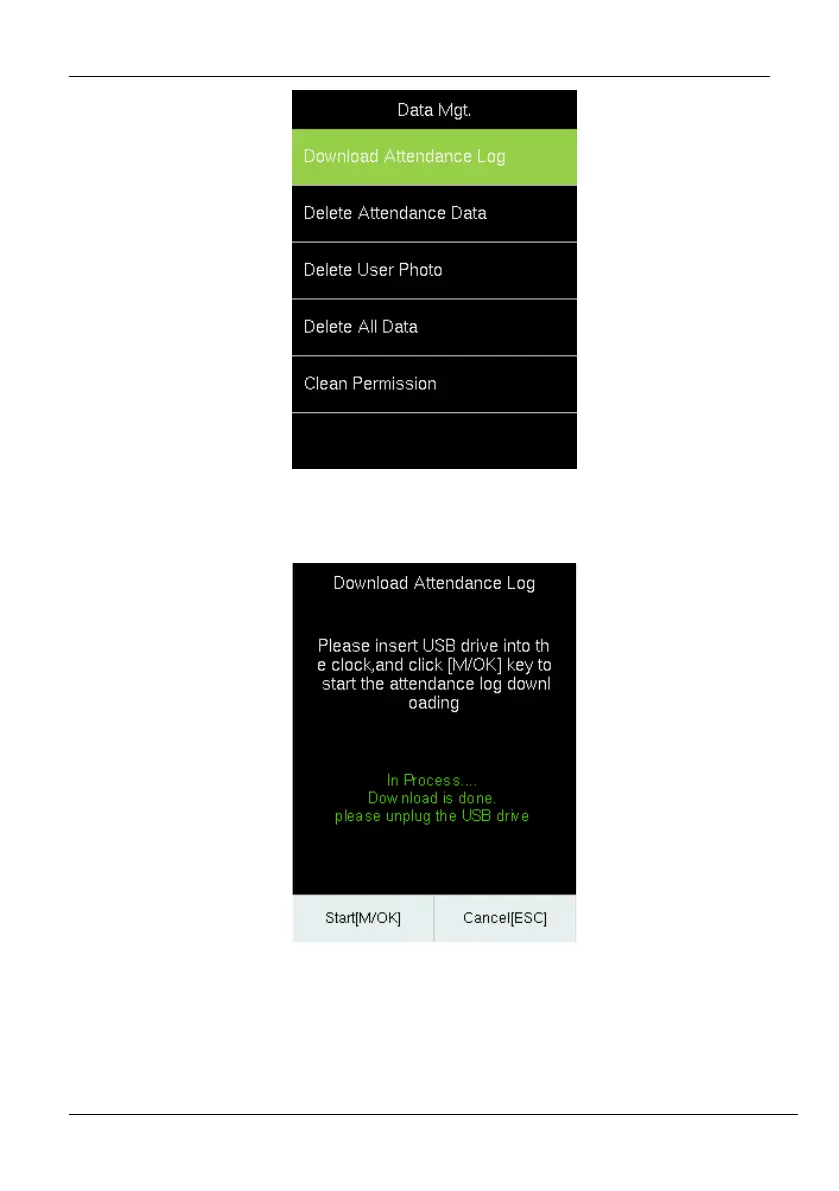
3. After downloading the attendance logs, a success message will be displayed as shown
below:
4. Now, insert the USB drive to your PC and upload the logs to the attendance software.
5. The downloaded file on the USB drive will be named AttendanceLogxxxx.dat as
below. You can open it with a text editor to view the attendance data.



 To Next Page