NG-MB1/NG-MB2 User Manual
Page | 65 Copyright©2022 NGTeco. All rights reserved.
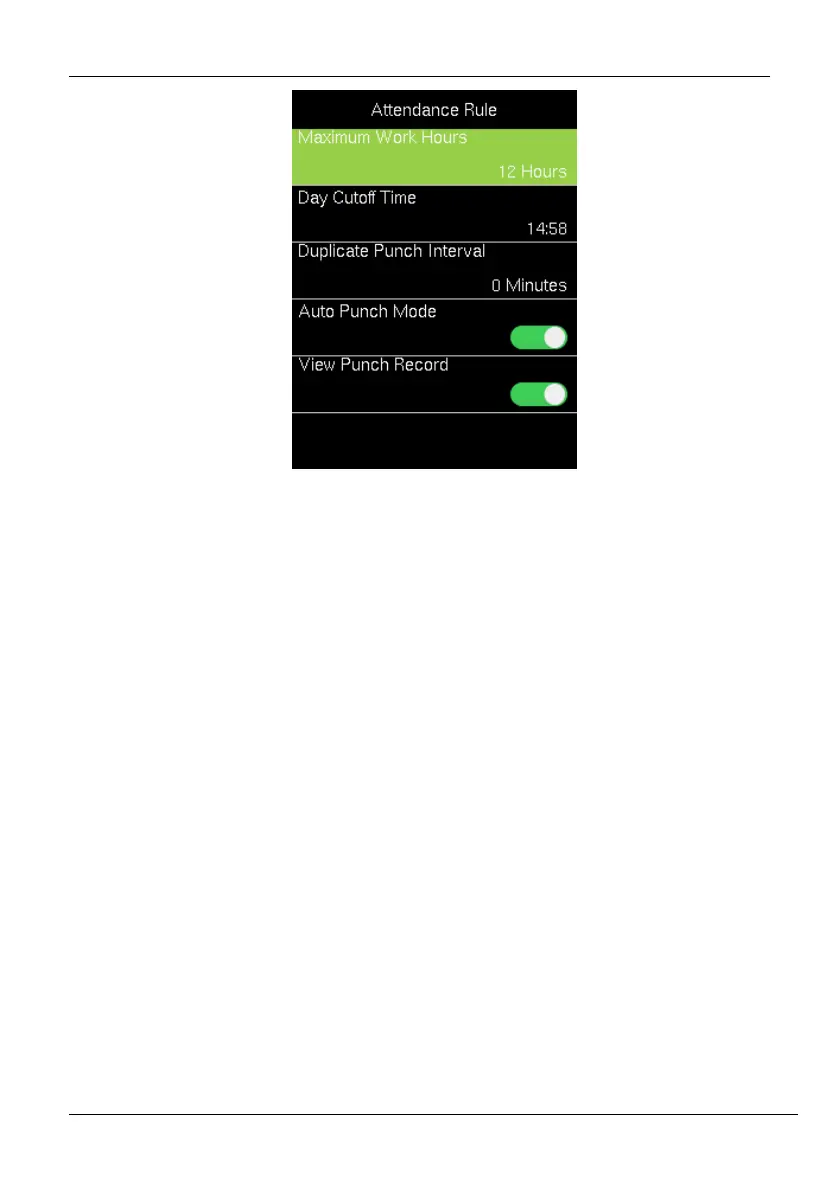
3. Enter the following details:
Maximum Work Hours: Set the maximum number of working hours in a day.
When the time difference between two attendance punches (check-in and
check-out) exceeds this maximum work hour, then the attendance will be
calculated separately for that day. Then you can identify that there are missing
attendance punches between the actual punches made by the users. The default
value is 12 hours.
Day Cutoff Time: Set the time on which the day is changed to the next day on
the device.
Example: Consider the day change time is set to 2:00 AM. If the users start to
work before 2:00 AM, then the total worked hours until check-out will be added
to the previous day. If the users start to work after 2:00 AM, then the total worked
hours until check-out will be added to the next day.
Duplicate Punch Interval: The Duplicate Punch interval defines the time
duration in which the device considers only the first attendance punch, even if
you make many attendance punches within the defined period. The unit is
minutes.



 To Next Page