NG-MB1/NG-MB2 User Manual
Page | 67 Copyright©2022 NGTeco. All rights reserved.
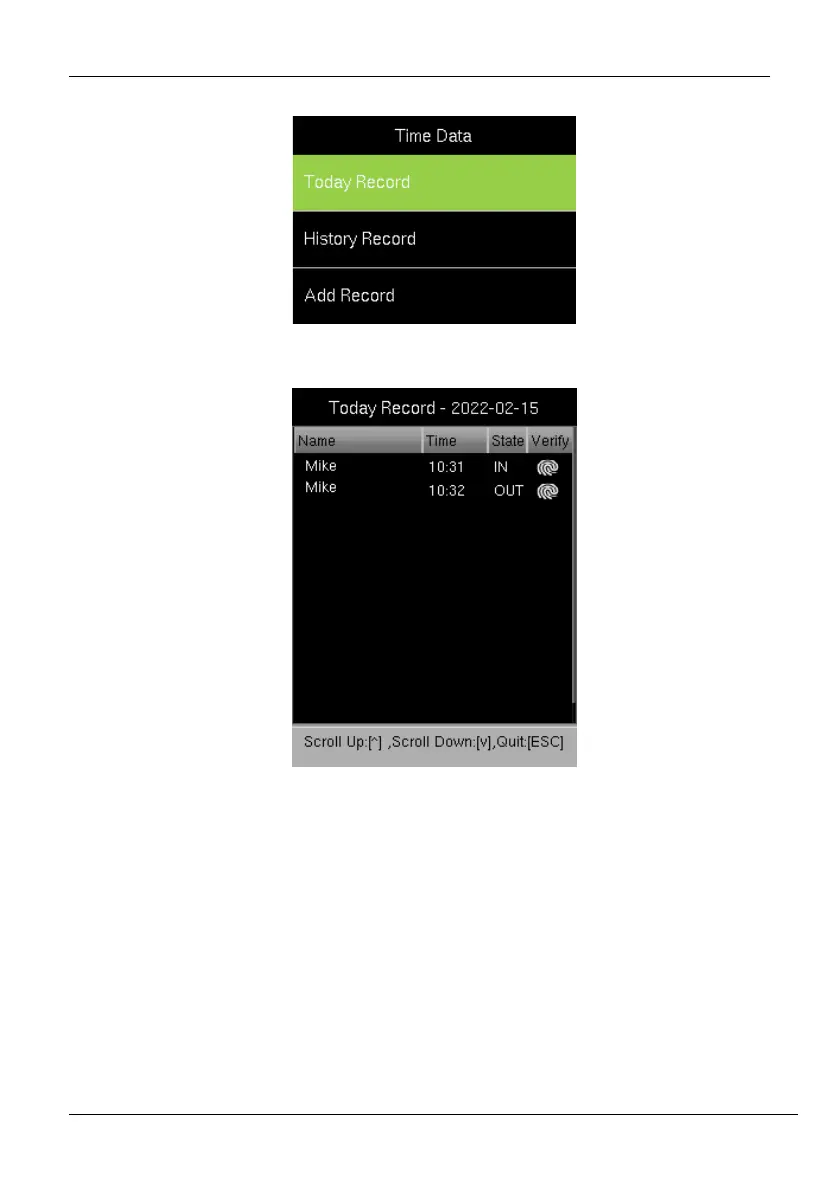
1. Go to [Time Data] and then [Today’s Record].
2. The attendance details of the day will be displayed as shown below:
3. The columns are described as follows:
Name: Displays the Name of the users.
Time: Displays the time when the attendance punch is made.
State: Displays the state of the attendance punch (check-in/check-out).
Verify: Displays the Users verification mode.



 To Next Page