Control
35
For the Installer
FIGHTER 360P
7.0 Clock
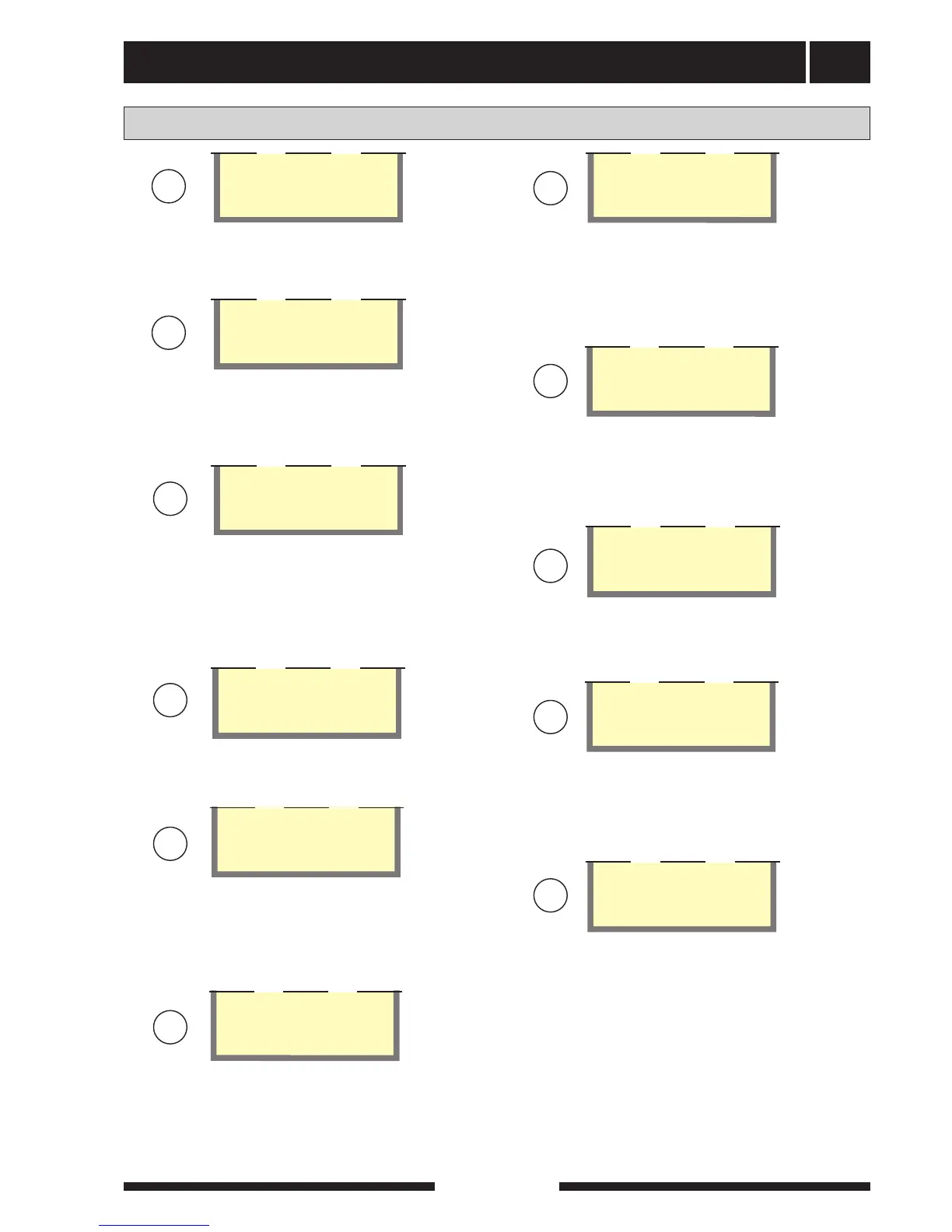
Menu 7.5.0 Timer Extra Hotwater
Settings are made in the sub-menus of this menu
when extra hot water is required on a specific day.
Timer Extra Hotwater
7.5.0
Menu 7.5.2 – 7.5.8 Extra HW Monday – Sunday
Here you select the period for respective days when
extra hot water should be activated. Hours and min-
utes for both start and stop are shown The same start
and stop time deactivates Extra hot water.
Off
Extra Hw Monday
7.5.2
Menu 7.5.9 Return
Return to Menu 7.5.0.
Return
7.5.9
U
U
U
N
U
Menu 7.5.1 Timer Extra Hotwater
You choose here whether the time setting should be
On or Off.
Off
Timer Extra Hotwater
7.5.1
U
Menu 7.6.0 Timer fan
Fixed time changes in the fan speed can be defined in
the sub-menus to this menu.
Menu 7.6.1 Timer fan
You choose here whether the time setting for the fan
should be on or off.
Timer fan
7.6.0
Off
Timer fan
7.6.1
Menu 7.6.2 – 7.6.14 Fan time Monday – Sunday
Here you select the period for respective days when
the fan time should be activated. Hours and minutes
for both start and stop are shown The same start and
stop time deactivates the fan time.
Menu 7.6.3 – 7.6.15 Fan speed Monday – Sunday
The fan speed during the time period set in the previ-
ous menu is selected here.
Off
Fan time Monday
7.6.2
Speed I
Fan speed Monday
7.6.3
Menu 7.6.16 Return
Return to Menu 7.6.0.
Return
7.6.16
Menu 7.7 Start time per. XHW
The time of day when the periodic increase should
start is chosen here. (Number of days between
increases is set in menu 1.3)
00:00
Start time per. XHW
7.7
Menu 7.8 Return
Return to Menu 7.0.
Return
7.8
U
U
N
U
N



 To Next Page