Description
70
Truth tables
When using a COMMAND module with the SELECT, Wavelength or profile
selection is based on truth table results from a combination of the input signals.
The result determines the wavelength of a channel or entire profile as configured
in CONTROL. Examples of this are described in section “Signaling and CONTROL
configuration” on page 71.
Connect to a
SuperK SELECT
system
40-pin cable
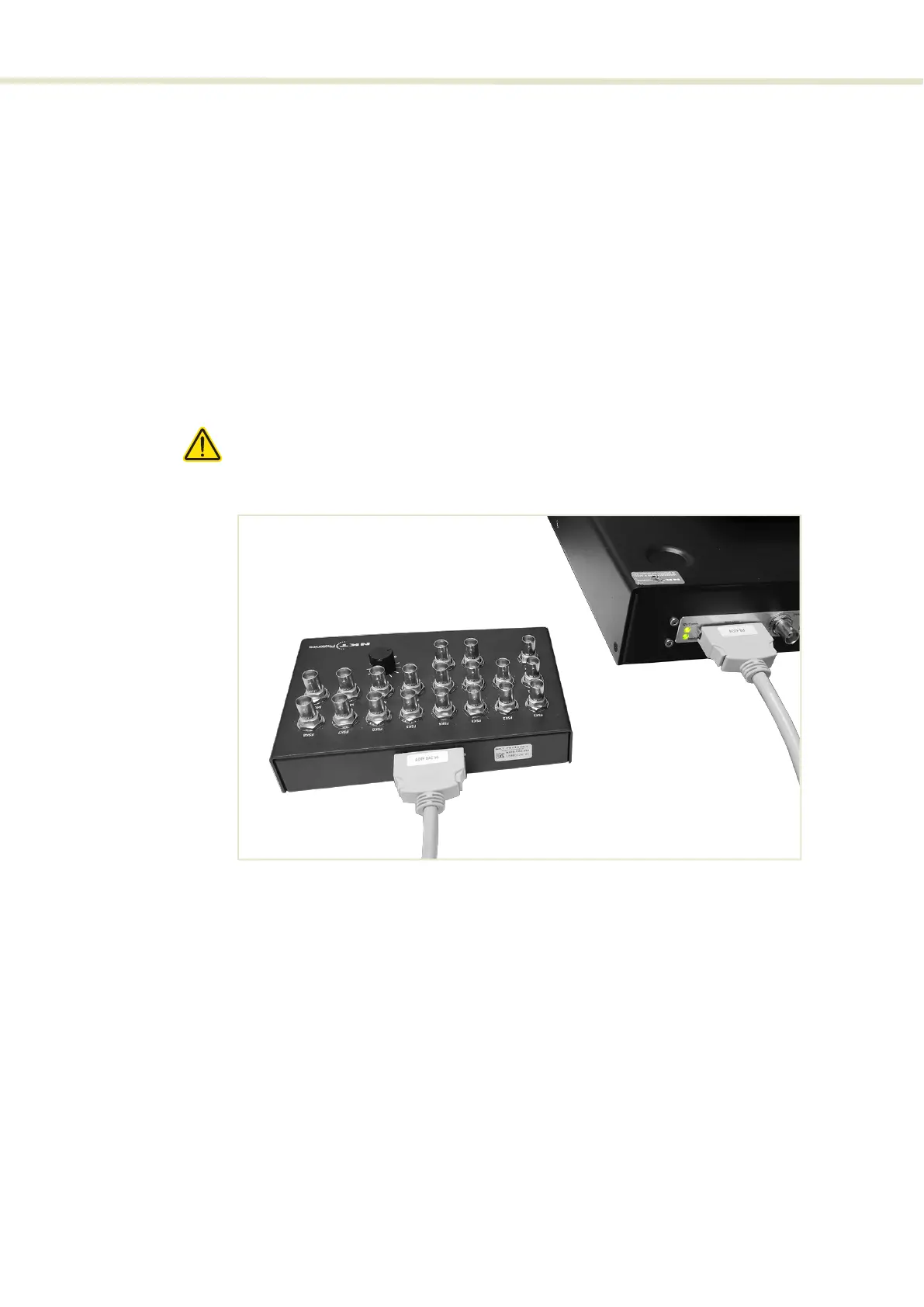
The COMMAND module includes a straight through 40-pin cable which must be
connected from the COMMAND module to the ERD’s Modulation connector (see
“Modulation connector” on page 25).
Figure 47 shows the cable connected from the COMMAND module to the ERD.
Caution: Ensure all SuperK system modules are powered OFF before connecting
the COMMAND module
Figure 47 Connecting a COMMAND module
2



 To Next Page