文件编号:NR-TP-0715-008 版本:1.0
- 16 -
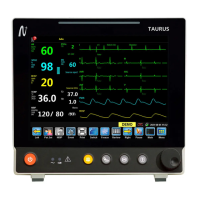
NIBP parameter area
SPO2 and PR parameter area
TEMP parameter area
RESP parameter area
3. NIBP list (
○
3 )
Display the measurement result of NIBP.
4. Introduction of smart hotkey area (
○
4 )
The smart hotkey area shows the hotkeys, which are mainly used for some common
operations; see 3.4 for details.
3.4 Smart Hotkeys
Smart hotkeys are some graphics hotkeys displayed at the bottom of the main screen of the
monitor, and enable you to use certain features conveniently.
The smart hotkeys at the bottom of the main screen are divided into fixed smart hotkeys and
removable smart hotkeys.
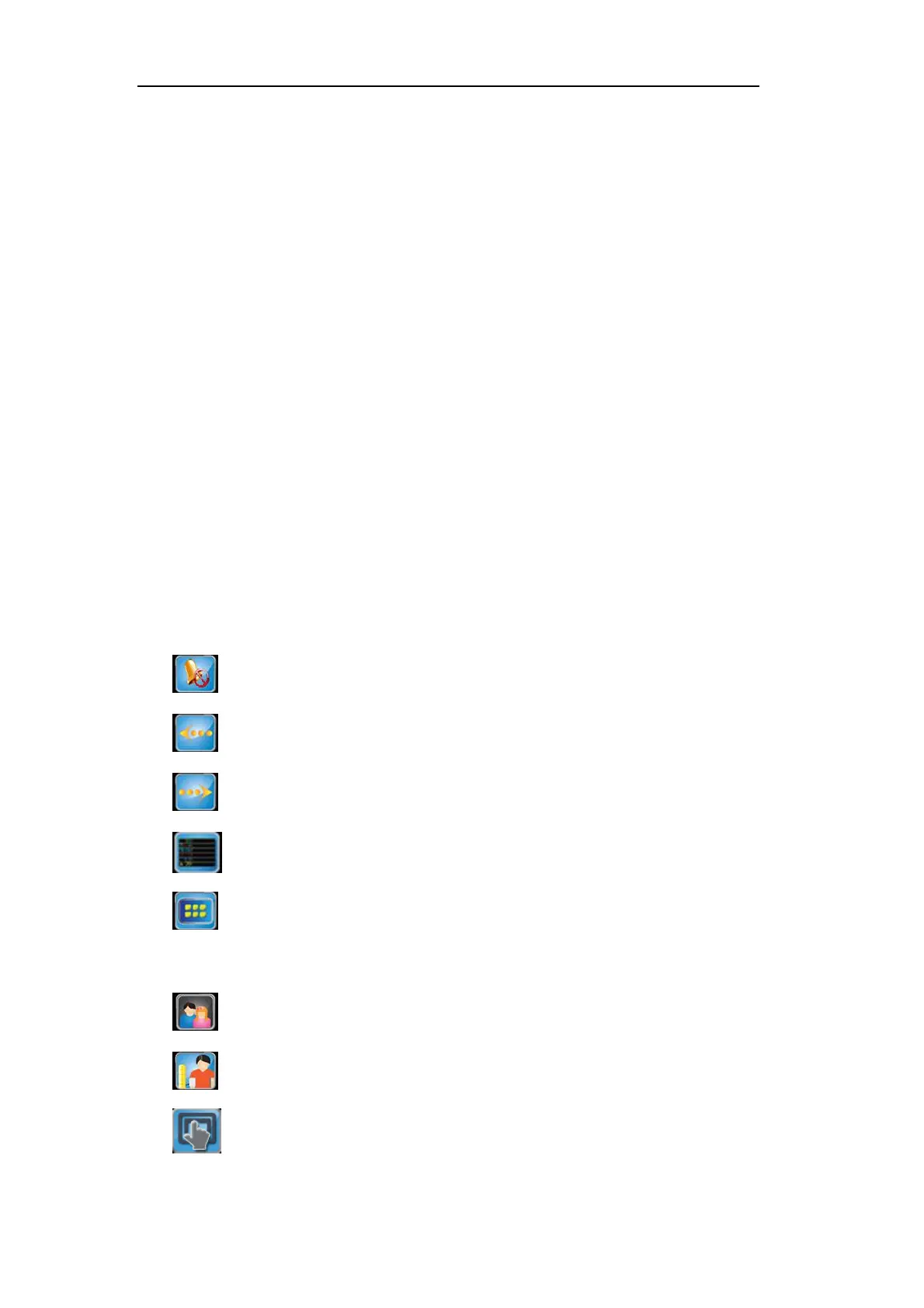
There are five fixed smart hotkeys, of which the names or features are:
[Pause]: Alarm pause
[Left]: Slide left to show more smart hotkeys
[Right]: Slide right to show more smart hotkeys
[Main]: Return to the main interface
[Menu]: Main menu
There are ten removable smart hotkeys:
[Pat.Set]: Patient info setting key
[NIBP]: NIBP measurement start / stop key
[Event]: Manual event


 To Next Page