MCTRL660 PRO Independent Controller
User Manual
Screen Settings
Configure the LED screen to ensure the screen can display the whole image
normally.
Screen configuration methods include quick, advanced and auto configurations.
There are constrains on these methods, explained as below.
The three methods cannot be used at the same time.
When you are configuring screen in NovaLCT, the three configuration methods
on The MCTRL 660 PRO are disabled.
Do not use any of the two methods on MCTRL4K to configure the screen again
after the screen is configured the in NovaLCT.
7.3.1 Quick Configuration
Configure the whole LED screen uniformly and quickly. For details, see 7.1.4 Step 4
Quickly Configuring Screen.
7.3.2 Advanced Configuration
Set parameters for each Ethernet port, including number of cabinet rows and
columns (Cabinet Row Qty and Cabinet Column Qty), horizontal offset (Start X),
vertical offset (Start Y), and data flow.
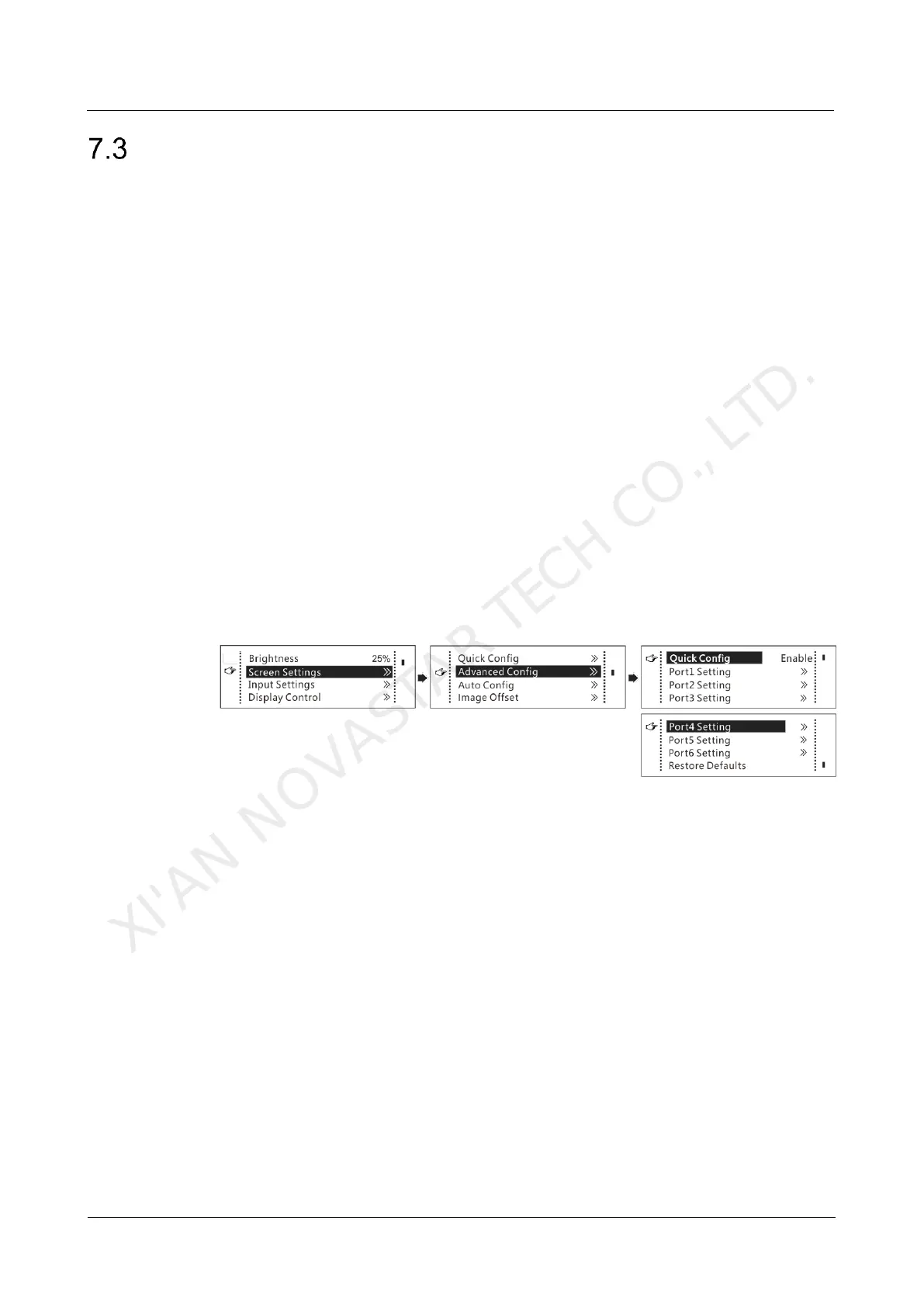
Figure 7-7 Advanced configuration
Step 1 On the home screen, press the knob to enter the menu.
Step 2 Choose Screen Settings > Advanced Config to enter its submenu.
Step 3 Enable Advance Config and set the parameters.
7.3.3 Auto Configuration
Note: Each Ethernet port must load only a whole row or column of cabinets.
XI'AN NOVASTAR TECH CO., LTD.



 To Next Page