MCTRL660 PRO Independent Controller
User Manual
Customizing Sending Card Name
Customize the sending card name. This name and the device IP address will be
displayed on the home screen alternatively.
Step 1 Run NovaLCT and choose User > Advanced Synchronous System User Login
and log in as an advanced user.
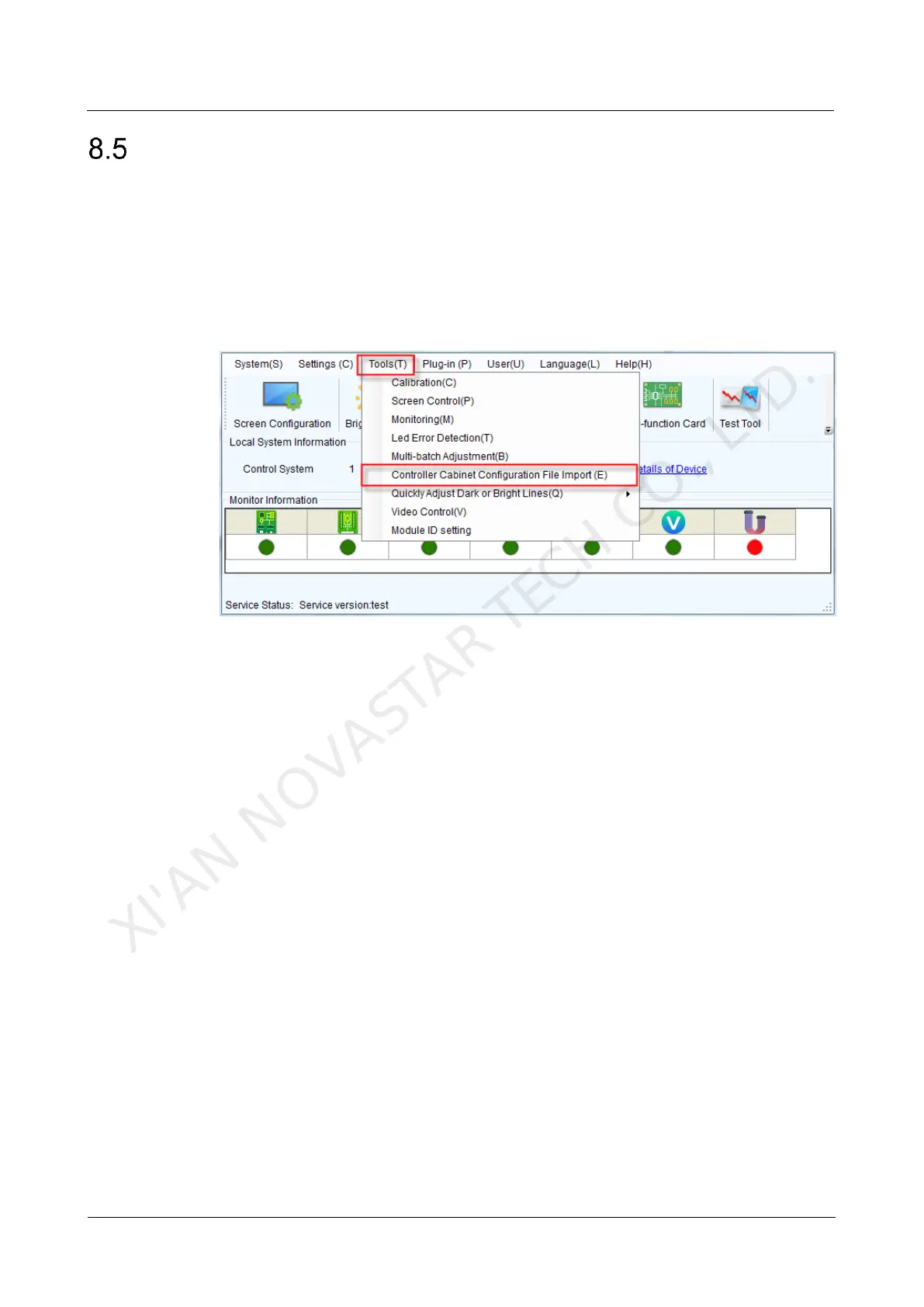
Step 2 Choose Tools > Controller Cabinet Configuration File Import.
Figure 8-3 Home page
Step 3 Under Sending Card Name Setting on the displayed page, select Enable Naming
and click Rename. On the displayed Rename dialog box, enter a name and click OK.
XI'AN NOVASTAR TECH CO., LTD.



 To Next Page