MCTRL660 PRO Independent Controller
User Manual
7.8.9 Low Latency
The MCTRL660 PRO supports a low latency of less than 1 ms (when the start
position of image is 0). Low latency is used to reduce the time delay between the
input of video signal to the controller and the corresponding output. To enable
low latency, you need to set the horizontal resolution loaded by a single Ethernet
port less than or equal to 512 pixels.
Low latency cannot be enabled with any of the following functions at the same
time.
− Image mirroring
− Input of interlaced SDI video sources
− GENLOCK
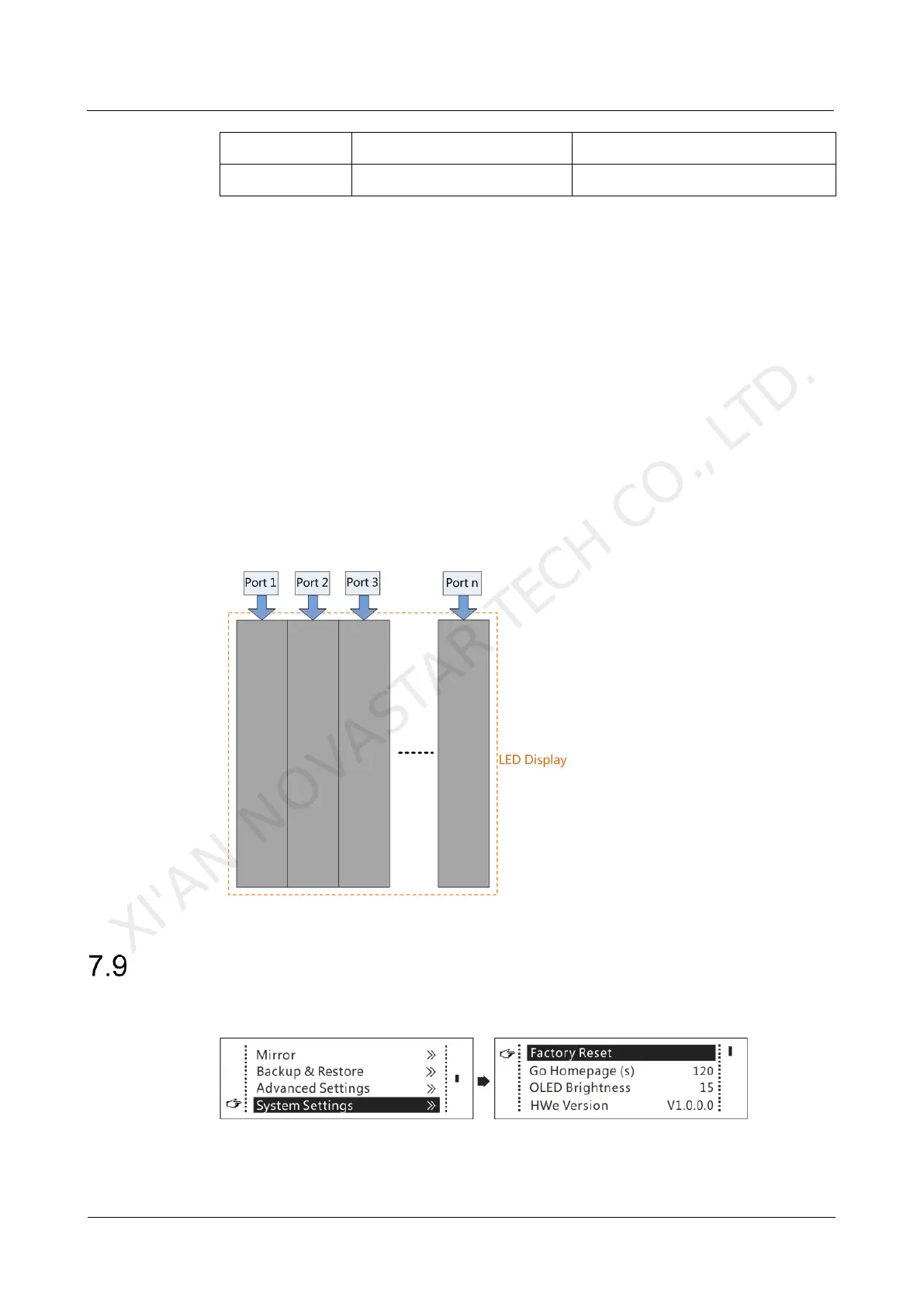
Each Ethernet port must load the cabinets vertically in the configured screen, as
shown in Figure 7-24.
Figure 7-24 Ethernet port loading cabinets vertically
System Settings
Figure 7-25 System settings
XI'AN NOVASTAR TECH CO., LTD.



 To Next Page