MCTRL660 PRO Independent Controller
User Manual
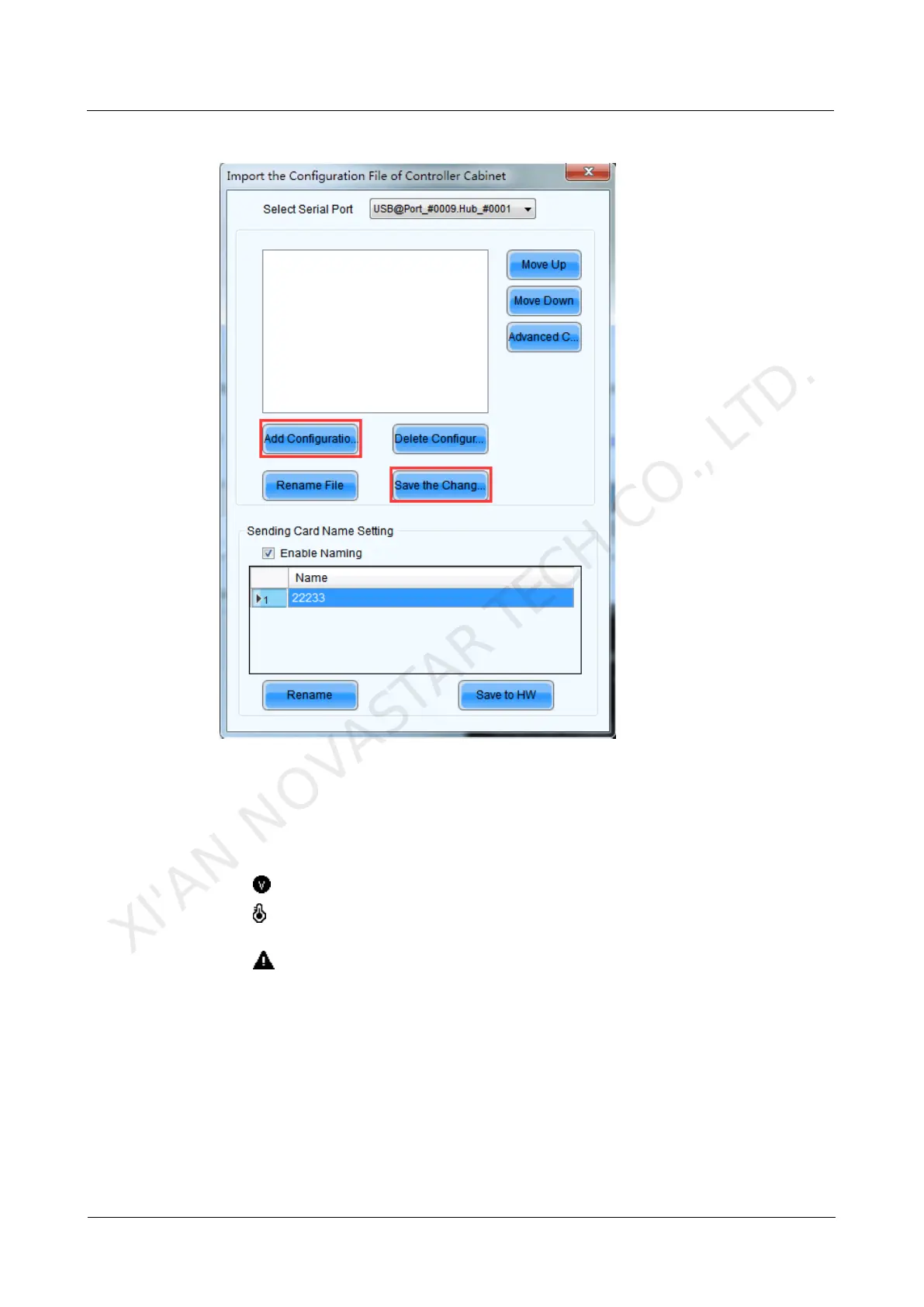
Figure 7-23 Importing configuration file of controller cabinet
Step 3 Click Save the Change to HW to save the change to the controller.
7.8.3 Alarm Threshold Settings
Set the alarm thresholds for device temperature and voltage. When a threshold is
exceeded, its corresponding icon will be flashing, instead of displaying the value.
: Voltage alarm, icon flashing. Voltage threshold range: 3.5 V–7.5 V).
: Temperature alarm, icon flashing. Temperature threshold range: -20°C–
85°C).
: Voltage and temperature alarms at the same time, icon flashing.
Note: When there are no temperature or voltage alarms, the home screen will display
the backup status.
7.8.4 Image Settings
Adjust the color of parameters of the output image on the LED screen.
XI'AN NOVASTAR TECH CO., LTD.



 To Next Page