MCTRL660 PRO Independent Controller
User Manual
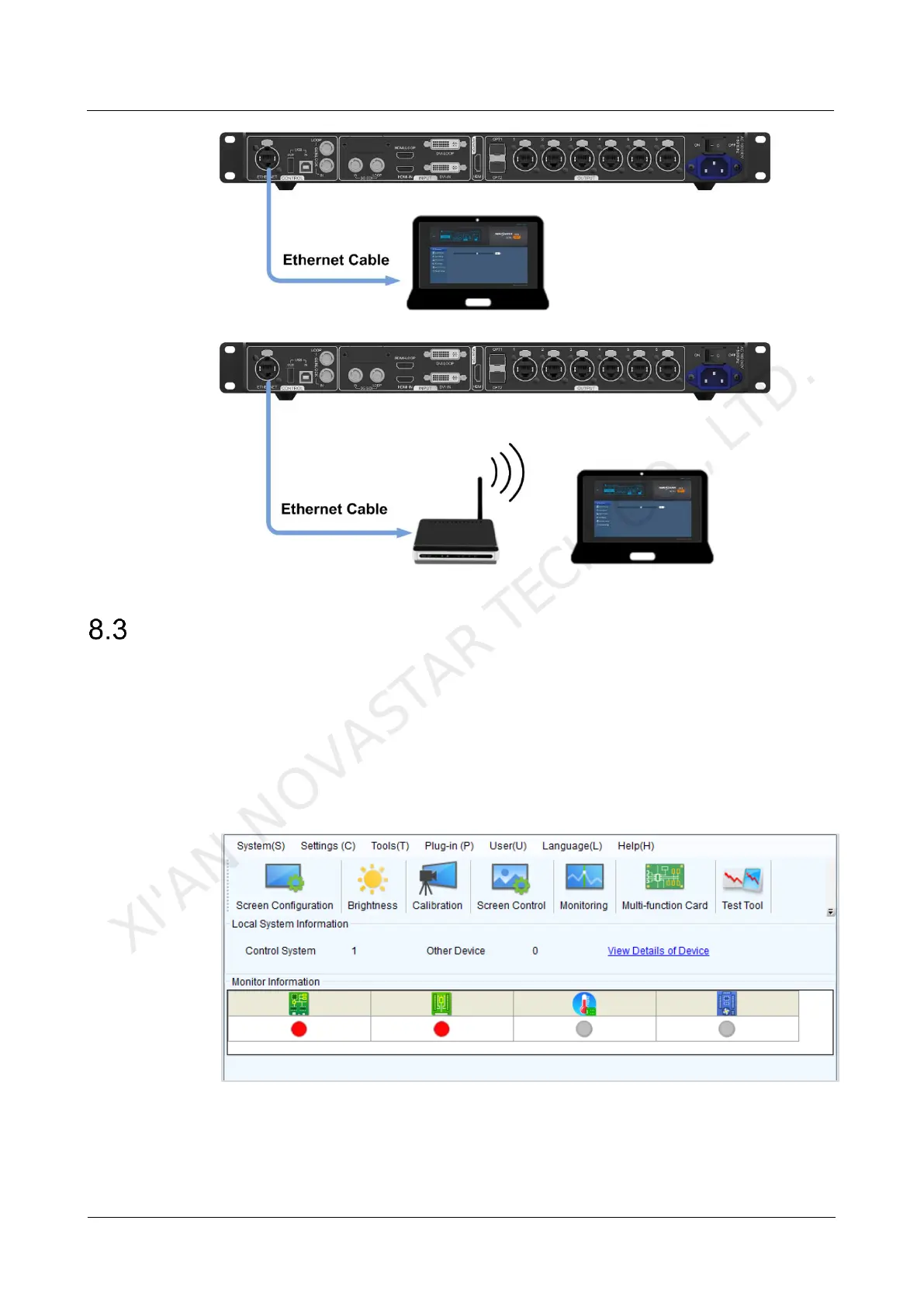
Scenario 2: MCTRL660 PRO connected to PC (or mobile device) via LAN
Software Operations on PC
8.3.1 NovaLCT
Connect the MCTRL660 PRO to the control computer installed with NovaLCT V5.1.0
or later via USB port to perform screen configuration, brightness adjustment,
calibration, display control, monitoring, etc. For details on their operations, see
NovaLCT LED Configuration Tool for Synchronous System User Guide.
Figure 8-1 User interface of NovaLCT
XI'AN NOVASTAR TECH CO., LTD.



 To Next Page