MCTRL660 PRO Independent Controller
User Manual
8.3.2 SmartLCT
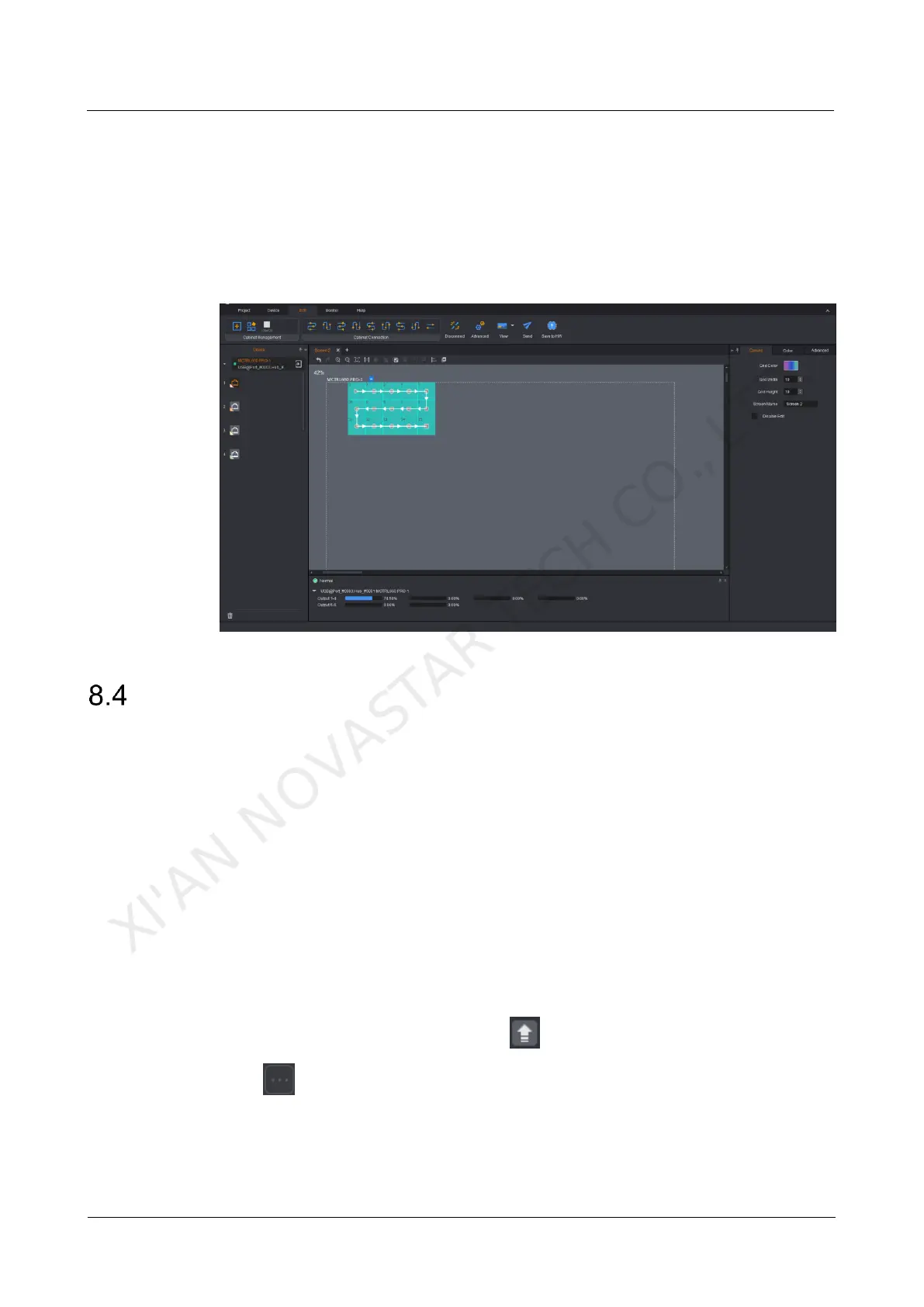
Connect the MCTRL660 PRO to the control computer installed with SmartLCT V3.2.0
or later via USB port to perform building-block cabinet configuration, seam brightness
adjustment, real-time monitoring, hot backup, etc. For details on their operations, see
SmartLCT User Manual.
Figure 8-2 User interface of SmartLCT
Firmware Update
8.4.1 NovaLCT
In NovaLCT, perform the following steps to update the MCTRL660 PRO firmware.
Step 1 Start NovaLCT and choose User > Advanced Synchronous System User Login
and log in as an advanced user.
Step 2 Type the secret code "admin" to enter the program loading page.
Step 3 Click Browse to select the update program path and then click Update.
8.4.2 SmartLCT
In SmartLCT, perform the following steps to update the MCTRL660 PRO firmware.
Step 1 Start SmartLCT and enter the V-Sender page.
Step 2 In the properties area on the right, click to enter the Firmware Upgrade page.
Step 3 Click to select the update program path.
Step 4 Click Update.
XI'AN NOVASTAR TECH CO., LTD.



 To Next Page