MCTRL660 PRO Independent Controller
User Manual
Note:
When the color depth of input source is 8-bit, the individual Gamma adjustment for
RGB is realized by AXs (V2.0) series receiving card.
Operations on Web Page
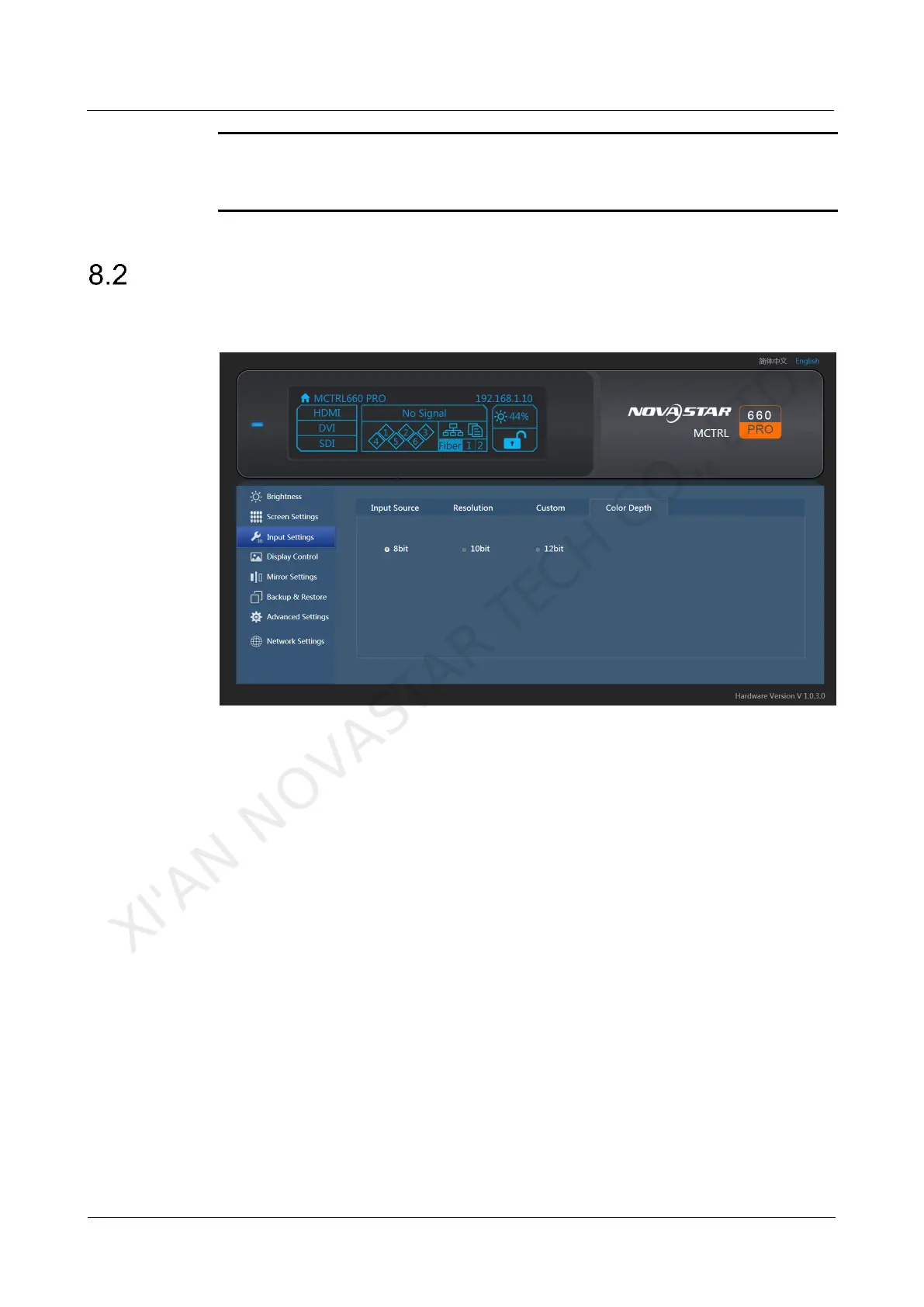
The MCTRL660 PRO supports screen configuration on web page, allowing for more
convenient screen configuration.
Note:
Operations that cannot be done on web page: loading RCFG files, presettings, inputs
backup, system settings, communication mode settings, and working mode settings.
8.2.1 Environment Configuration
Step 1 Connect the MCTRL660 PRO to PC (or mobile device).
− Scenario 1: MCTRL660 PRO connected to PC Via Ethernet cable
− Scenario 2: MCTRL660 PRO connected to PC (or mobile device) via router
to the same LAN
Step 2 Set the PC (or mobile device) and the MCTRL660 PRO on the same LAN.
Step 3 Obtain the IP address of the MCTRL660 PRO.
Step 4 On the browser, enter the IP address to enter the operation page.
Note: .Google Chrome is recommended. (Safari browser can also be used on iOS.)
8.2.2 Applications
Scenario 1: MCTRL660 PRO connected to PC via Ethernet cable
XI'AN NOVASTAR TECH CO., LTD.



 To Next Page