EasyManua.ls Logo

Novatech Kronos 2 Series - User Manual

Novatech Kronos 2 Series
72 pages
Print Icon
To Next Page IconTo Next Page
Loading...
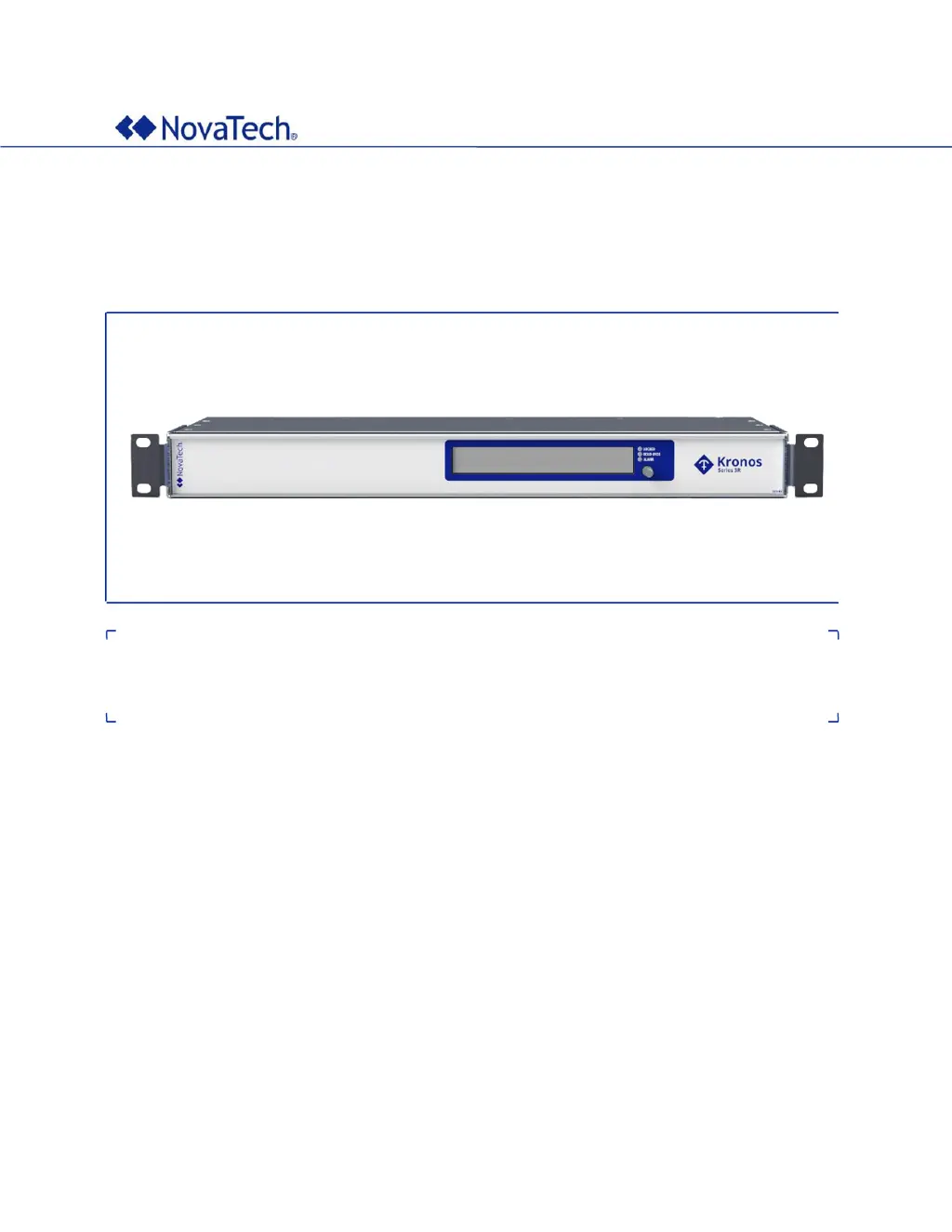
Kronos Series 3
User Manual
November 22, 2023
Document Revision C
© 2023 by NovaTech, LLC

Table of Contents

Questions and Answers

  • A
    Austin MillerAug 9, 2025
    What to do if the 'ant. open' alarm LED is on for Novatech Kronos 2?
    • R
      Roberta BrownAug 9, 2025
      The 'ant. open' alarm on your Novatech Network Hardware might be triggered by several issues. First, ensure that an antenna is properly connected. If it is, the antenna cable itself could be defective, or the surge arrester may be malfunctioning. Finally, verify that you're using the correct antenna for your device.
  • D
    Dean HarrisonAug 25, 2025
    Why is the 'ant. short' alarm LED on for my Novatech Network Hardware?
    • B
      bbrownAug 25, 2025
      If the 'ant. short' alarm LED is illuminated on your Novatech Network Hardware, it could be due to a short-circuit in the antenna cable or connector. Another possibility is a defective antenna cable or a malfunctioning surge arrester. Also, check to ensure the correct antenna is connected.

Novatech Kronos 2 Series Specifications

General IconGeneral
ModelKronos 2 Series
Wireless Standards802.11ac
Wireless SpeedUp to 1200 Mbps
SecurityWPA, WPA2
Antennas4 x External
Ports4 x Gigabit Ethernet