Kronos Series 3
15
3 Operation
3.1 Front Panel Indicators
The unit’s front panel comprises a dot matrix display and three LED indicators.
3.1.1 Dot Matrix Display
The dot matrix display displays different information, depending on the clock state.
Startup
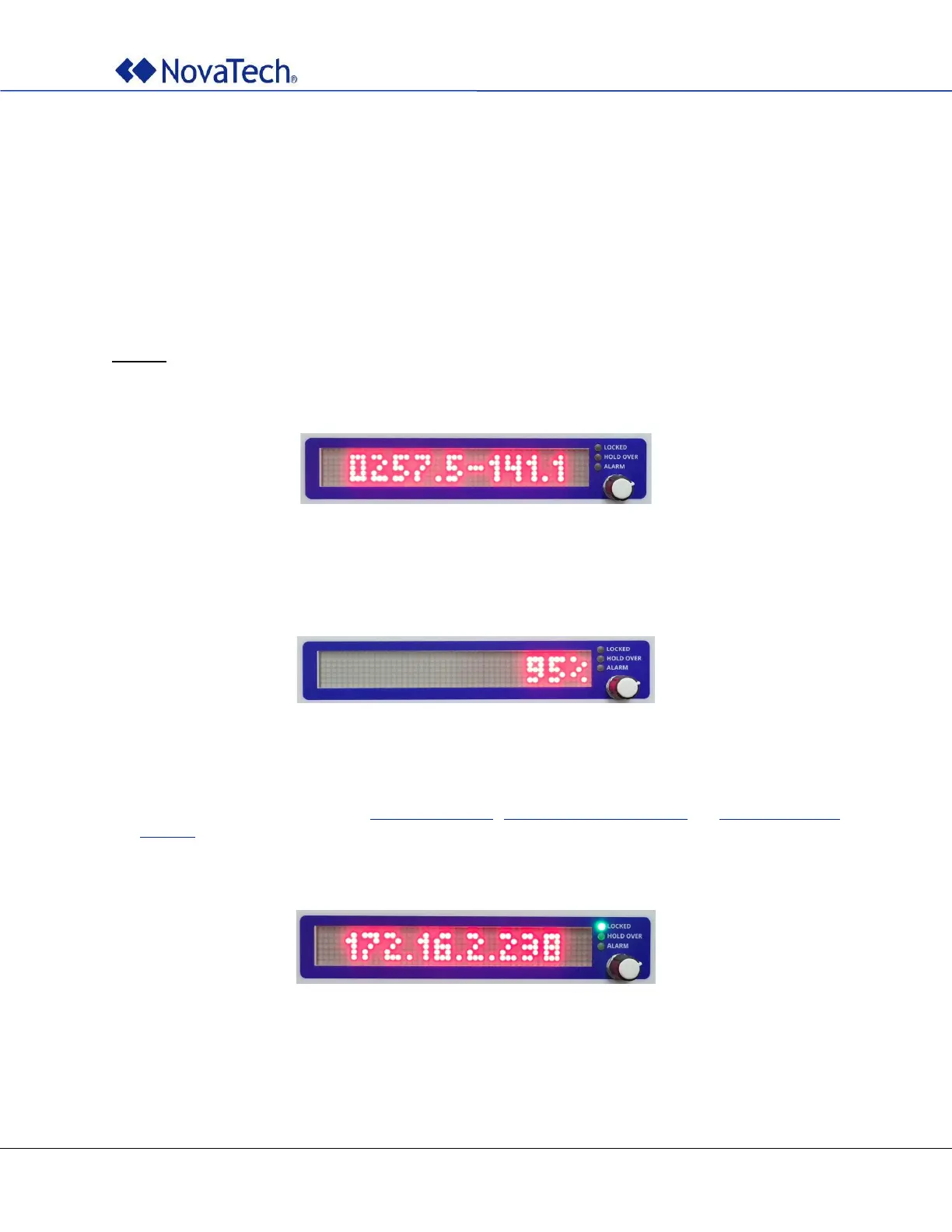
Immediately after power-up, the display shows the firmware version.
Figure 4: Clock boot – Version display
During startup the display shows a progress bar and a percentage indicator. The whole startup process
takes around 30 seconds.
Figure 5: Clock boot – Progress display
At the end of the startup sequence, the clock displays the IPv4 address assigned to Ethernet port A but
only if the clock is connected to a LAN. This may be:
• The address defined in section Initial IP Address, Network Settings (Online), or Network Settings
(Offline).
• A self-assigned link-local address in the address block 169.254.0.0/16 (as defined in RFC 3927) if no
address is defined in the configuration file.
Figure 6: Clock boot – IP address display



 To Next Page