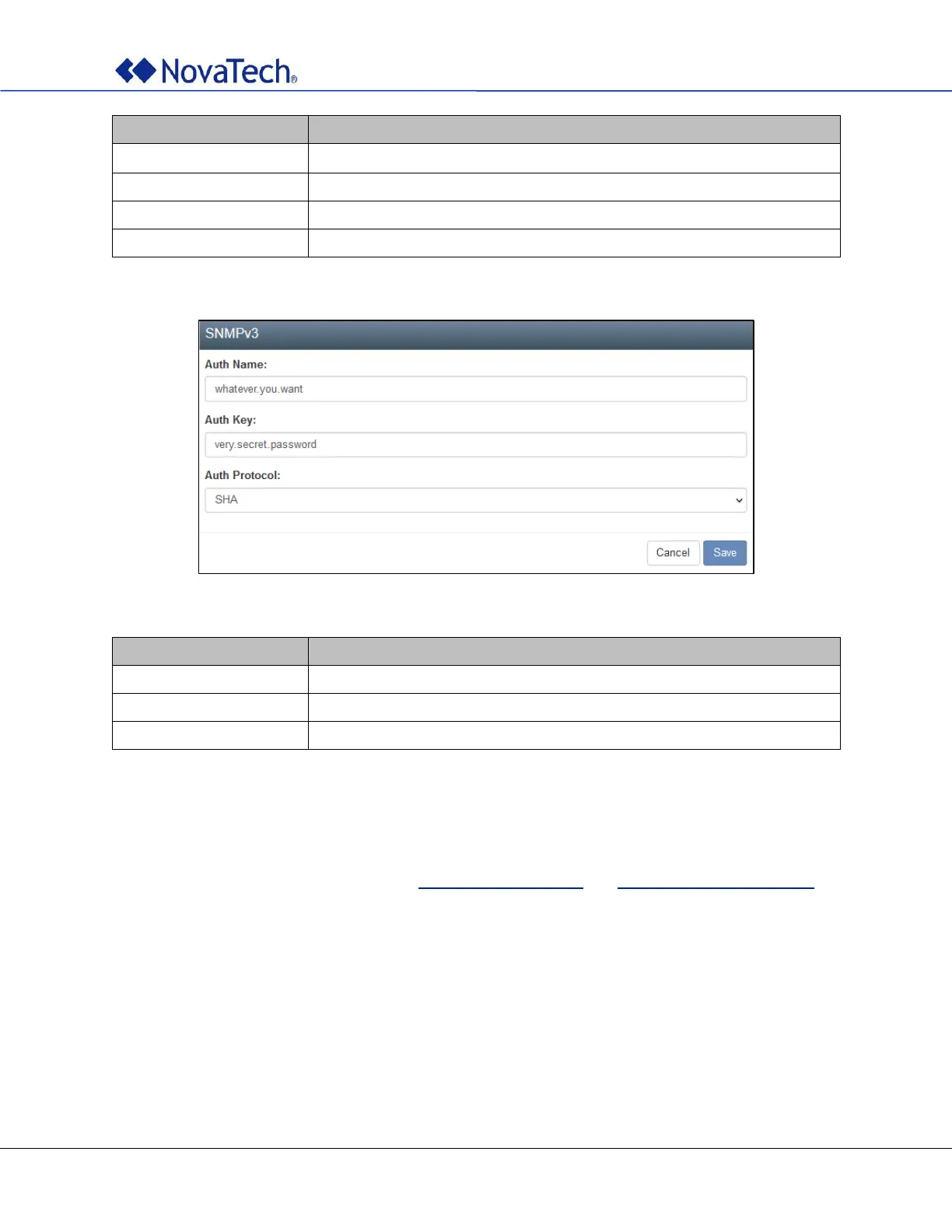
Table 14: SNMPv3 settings
4.9 GNSS Settings (Online)
The GNSS constellations and out-of-bond limits are configured on the following webpage tab. The same
settings can be made offline as described in GNSS Settings (Offline) and Out-of-bound Limits (Offline).
Note: Users should be aware that switching between GNSS may affect the long term accuracy of the
receiver until the next cold start. In normal operation, the receiver selects the best models and
corrections from the transmitted auxiliary data (e.g. UTC and ionospheric parameters), basing this
selection on the configured GNSS. Disabling a major GNSS prevents auxiliary data from that GNSS
being refreshed and so it will become stale, resulting in progressively degraded performance. For
this reason, NovaTech recommends that the satellite clock be cold started after any change that
disables an active GNSS, within a few weeks, but preferably immediately. This will ensure that the
GNSS receiver then uses only regularly refreshed information from the newly configured
constellations



 To Next Page