Kronos Series 3
28
4.5 Network Settings (Online)
This section describes the configuration of network parameters for clock’s Ethernet ports. The clock has
one RJ45 Ethernet port (port A) for configuration and monitoring, and four SFP slots. The first two SFP
slots operate as port B which supports PRP and HSR.
The same settings can be made offline as described in Network Settings (Offline).
4.5.1 Gateway Setting
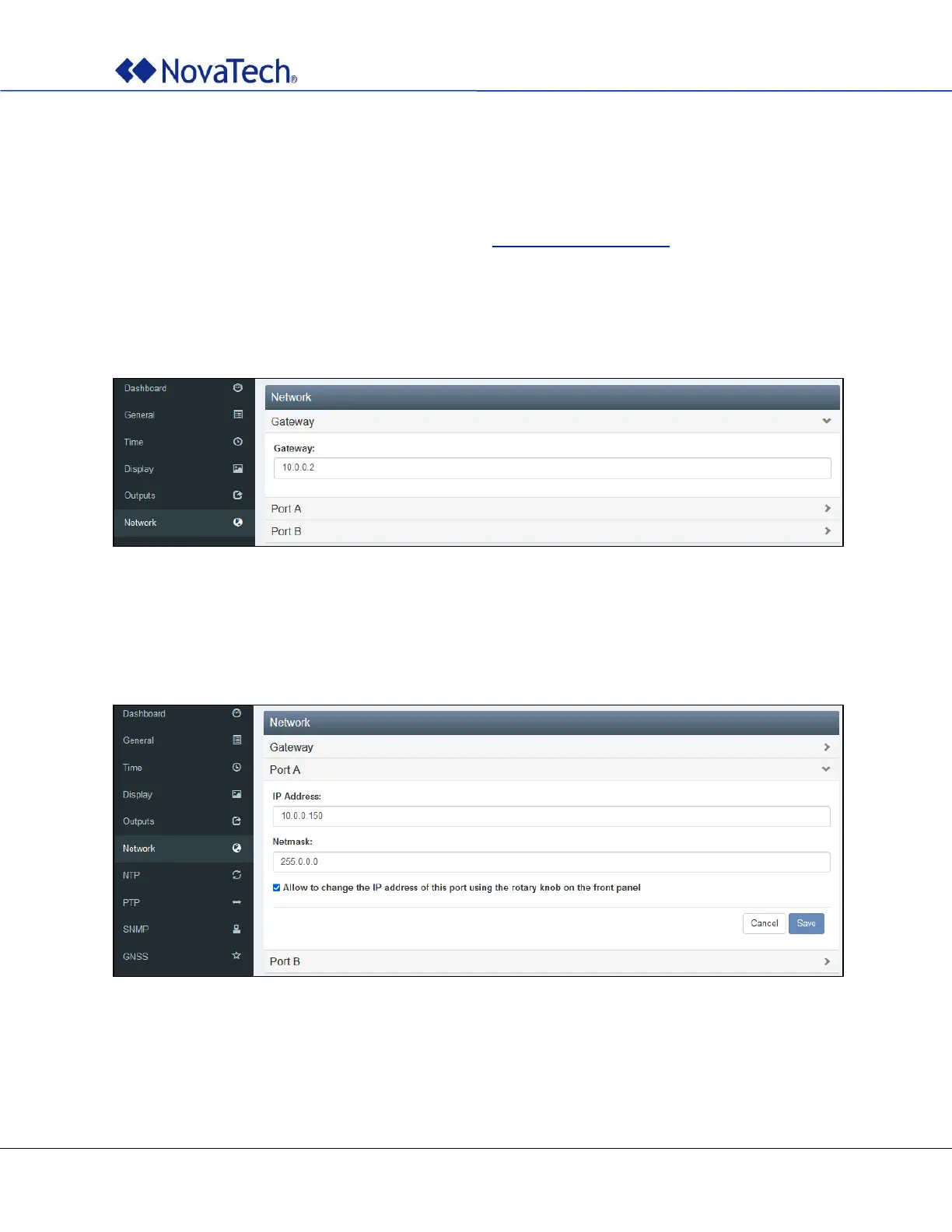
Set the IP address of the gateway on the following tab.
Figure 18: Gateway setting
4.5.2 Port A Settings
Set the IP address of port A on the following tab.
Figure 19: Port A settings



 To Next Page