Kronos Series 3
22
4 Online Clock Configuration with Web Interface
This section describes the online configuration of the Kronos clock using a web browser.
First, point the browser to the IP address of the clock as shipped or set in section Initial IP Address.
By default, the page in Figure 10 is displayed. If desired, this page can be password protected as described
in sections Access Passwords (Online) and Access Passwords (Offline). Then the password for status
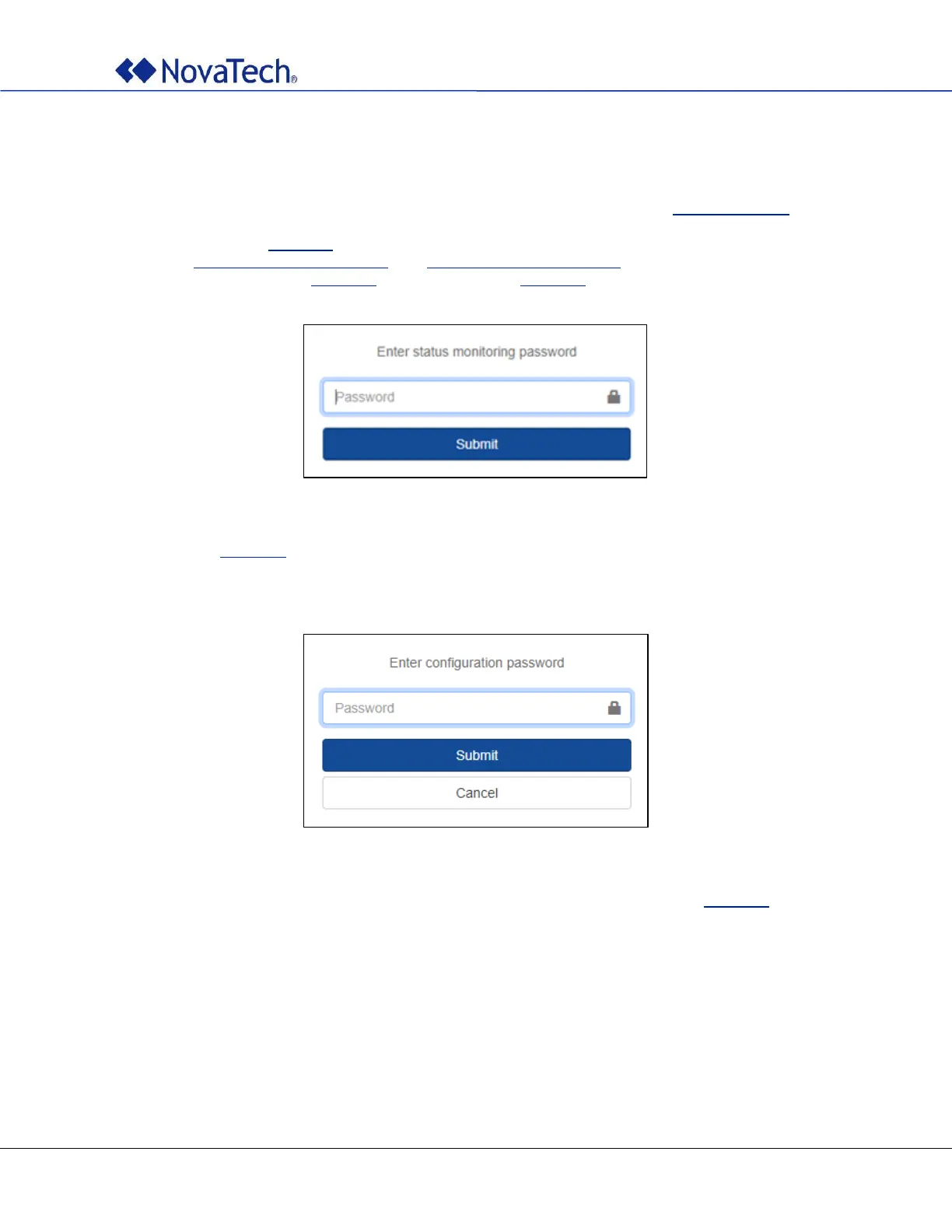
monitoring must be entered (Figure 11) to view the page in Figure 10.
Figure 11: Enter status monitoring password
On the page in Figure 10, click on Configure on the upper right side to configure the clock. The default
password is novatech which should be changed as soon as possible. The configuration page has a non-
activity timeout of 20 minutes.
Figure 12: Enter configuration password
Then the clock parameters can be configured via the navigation pane on the left side (Figure 13).



 To Next Page