EasyManua.ls Logo

Novatech Kronos 2 Series - Figure 29: Filezilla; Table 32: Filezilla Parameters

Novatech Kronos 2 Series
72 pages
Print Icon
To Next Page IconTo Next Page
To Previous Page IconTo Previous Page
Loading...
Kronos Series 3
51
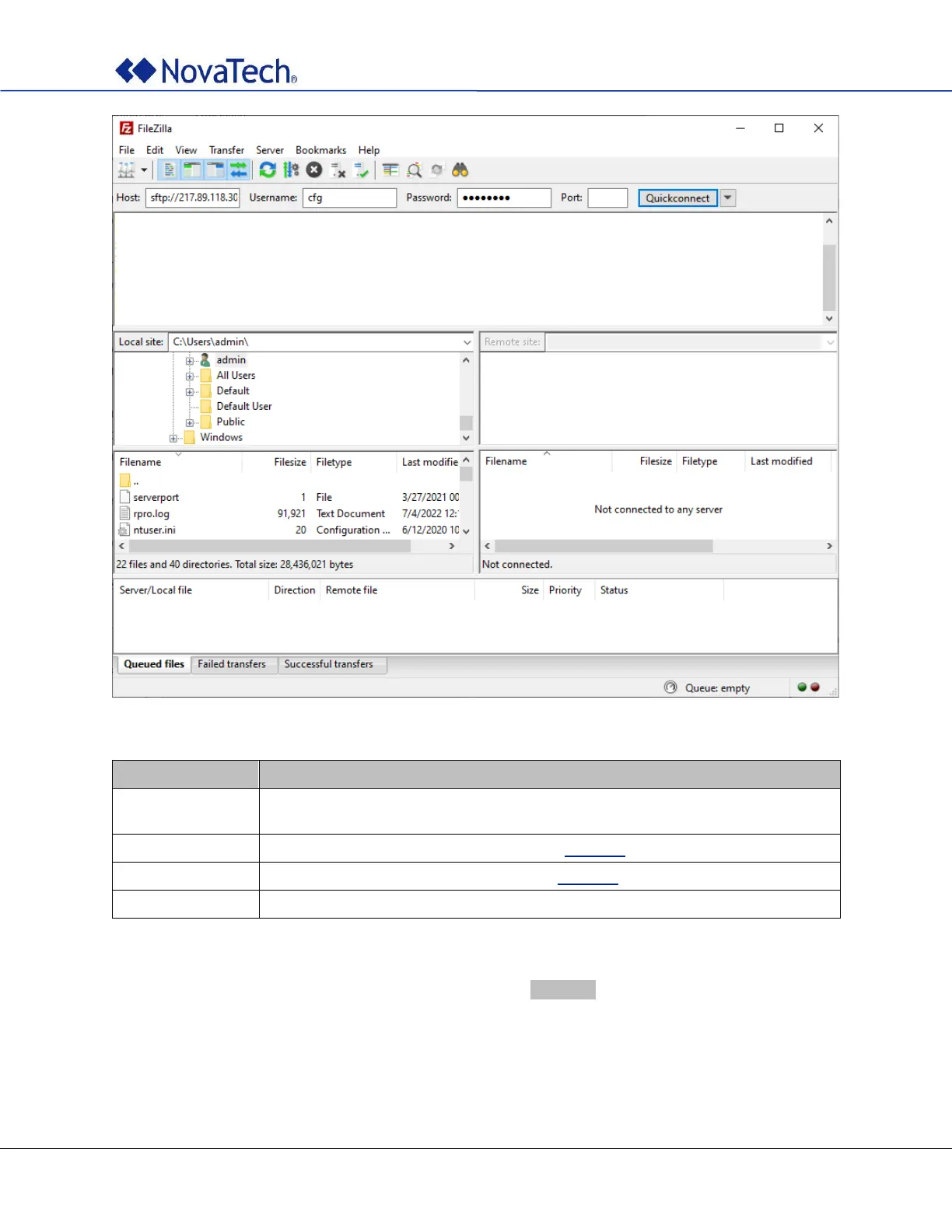
Figure 29: FileZilla
Field
Description
Host
Enter the IP address of the clock. The IP address is displayed briefly at the end of
the boot sequence.
Username
Enter the appropriate user name. See also Table 31.
Password
Enter the appropriate password. See also Table 31.
Port
For SFTP, use 22.
Table 32: FileZilla parameters
After entering hostname, username, and password, click the Login button.
If this is the first time that the SFTP client is connecting to this particular clock, you will see a warning about
this being an “unknown server”.


Table of Contents