Kronos Series 3
36
4.10 Access Passwords (Online)
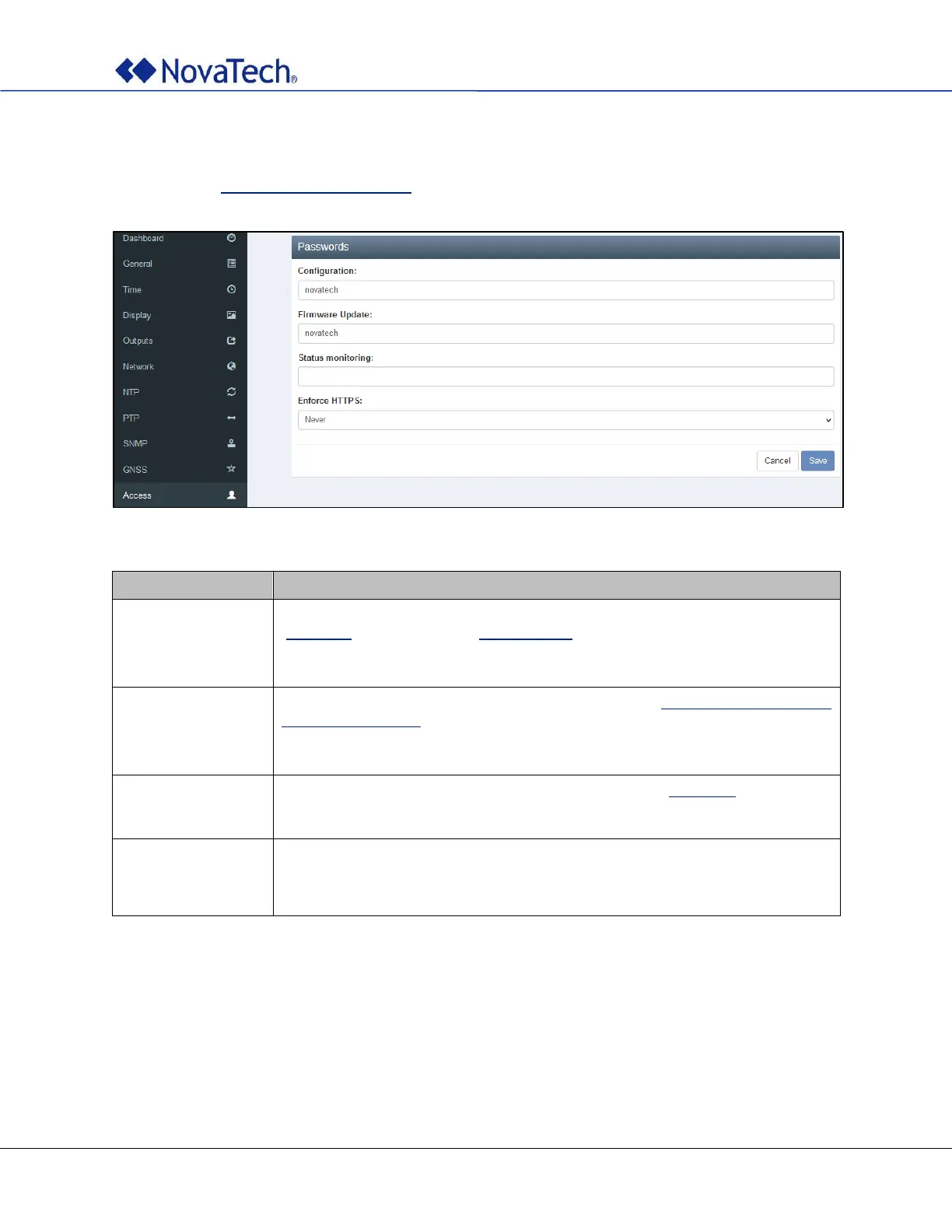
The access passwords are configured on the following webpage tab. The same settings can be made offline
as described in Access Passwords (Offline).
Figure 28: Access settings
Enter a secure password for accessing the clock configuration with web page
(Figure 12) and SFTP client (SFTP Access). If left blank, no password is required
for accessing the clock configuration.
Default password: novatech
Enter a secure password for updating the firmware (Appendix D – Firmware
Upgrade Procedure). If left blank, no password is required for updating the
firmware.
Default password: novatech
Enter a secure password for accessing the main page (Figure 10). If left blank,
no password is required for accessing the main page. The default password is
empty.
NEVER HTTPS is never enforced
CFG_ONLY HTTPS enforced only for configuration page (default)
ALWAYS Enforce HTTPS always.
Table 17: Access settings



 To Next Page