Check the box to enable PTP on this port.
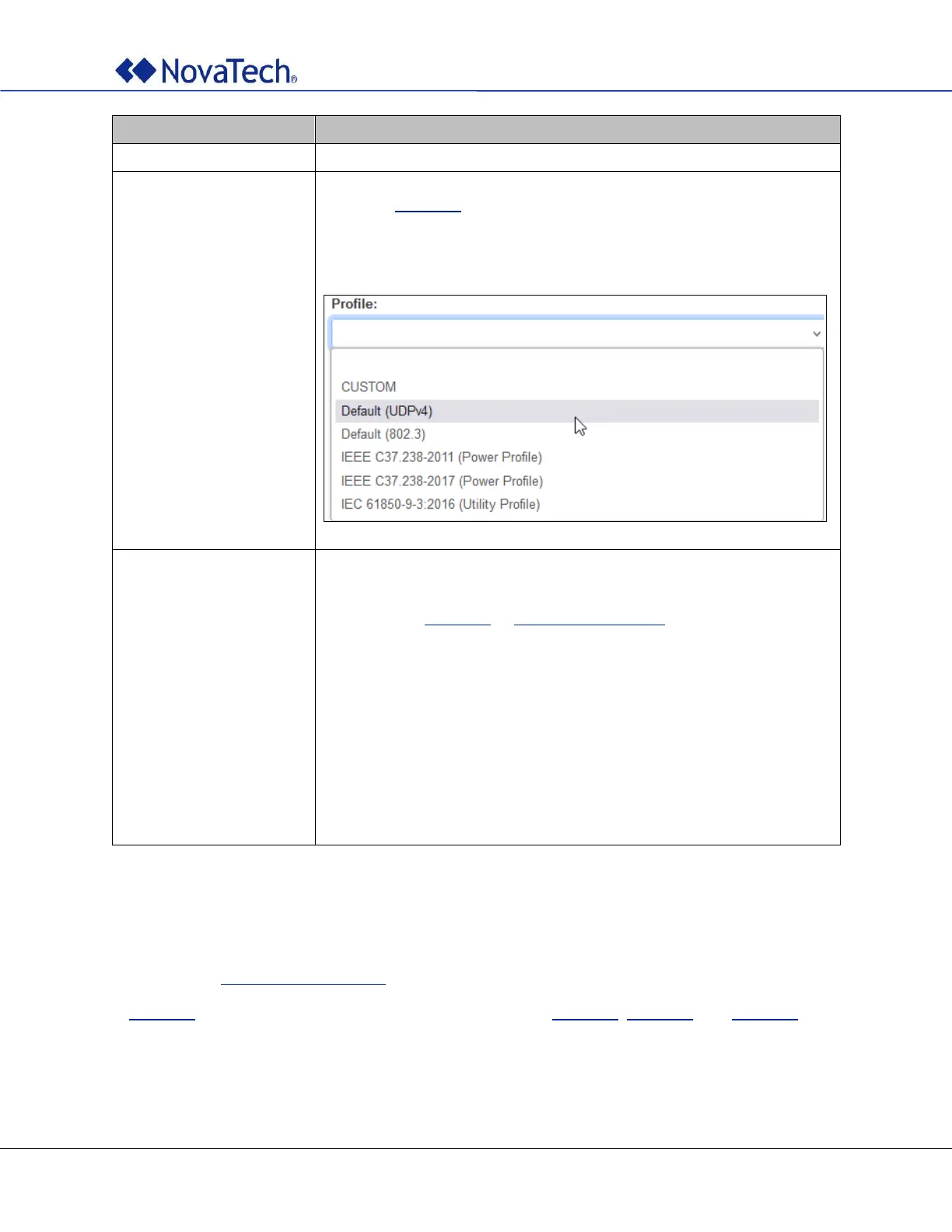
Selecting one of the following profiles sets all options below to default
values. In Figure 22, values in white can then be further changed. Values
in gray are specified by the profile and cannot be changed. If a profile is
selected all parameters are preset. Custom allows setting any parameter
without restriction by a profile.
Grandmaster ID
Domain
Priority 1
Priority 2
Layer
Path Delay Mechanism
Announce Interval
Announce Timeout
Sync Interval
Delay Interval
VLAN Enable
VLAN ID
VLAN Priority
Each profile sets default values for each of these parameters. If the
parameter is displayed with white background, the value can be changed.
If the parameter is displayed with gray background, the value cannot be
changed. See Figure 22 or PTP Settings (Offline) for a complete listing of
supported values.
Table 11: PTP settings
4.8 SNMP Settings (Online)
The SNMP settings are configured on the following webpage tab. The same settings can be made offline
as described in SNMP Settings (Offline).
In Figure 23, enable SNMP for all desired ports. The settings in Figure 24, Figure 25, and Figure 26 apply
to all SNMP-enabled ports.



 To Next Page