EasyManua.ls Logo

Novatech Kronos 2 Series - Possible Error Messages; Figure 40: Firmware Upgrade Completed; Table 36: Error Messages

Novatech Kronos 2 Series
72 pages
Print Icon
To Next Page IconTo Next Page
To Previous Page IconTo Previous Page
Loading...
Kronos Series 3
68
Install
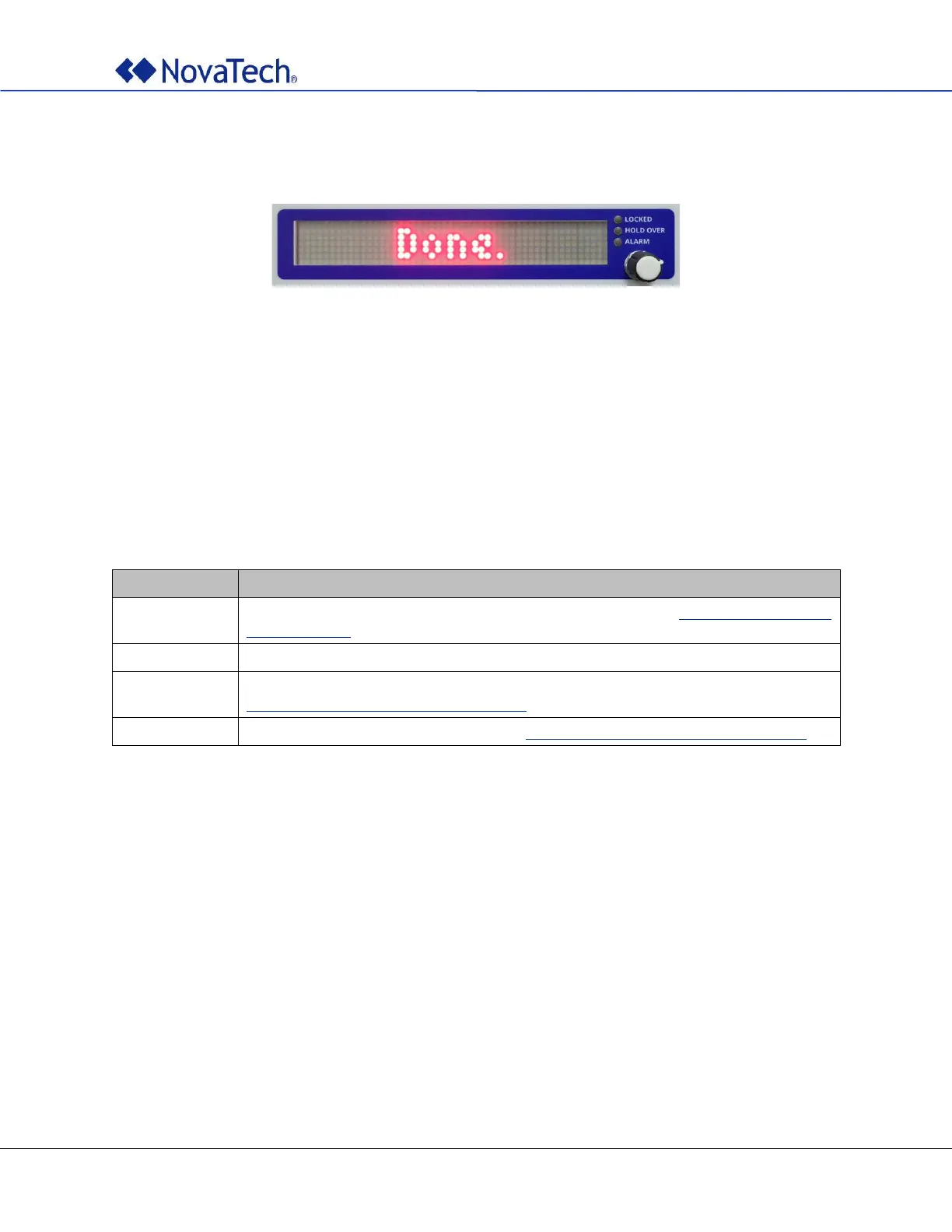
Done.
Figure 40: Firmware upgrade completed
8. Turn the clock off again.
9. Wait 10 seconds.
10. Turn the clock on again. The clock should show the new firmware version on the dot matrix display and
start as usual.
Possible Error Messages
Description
Checksum invalid, file corrupted. Download the file from https://www.novatech-
llc.com/support again.
Digital signature invalid. Only digitally signed firmware upgrade files can be installed.
Wrong firmware version. Upgrade not possible. Contact NovaTech at
orion.support@novatechautomation.com.
Unexpected error. Contact NovaTech at orion.support@novatechautomation.com.
Table 36: Error messages

Table of Contents