Kronos Series 3
24
4.1 General Settings (Online)
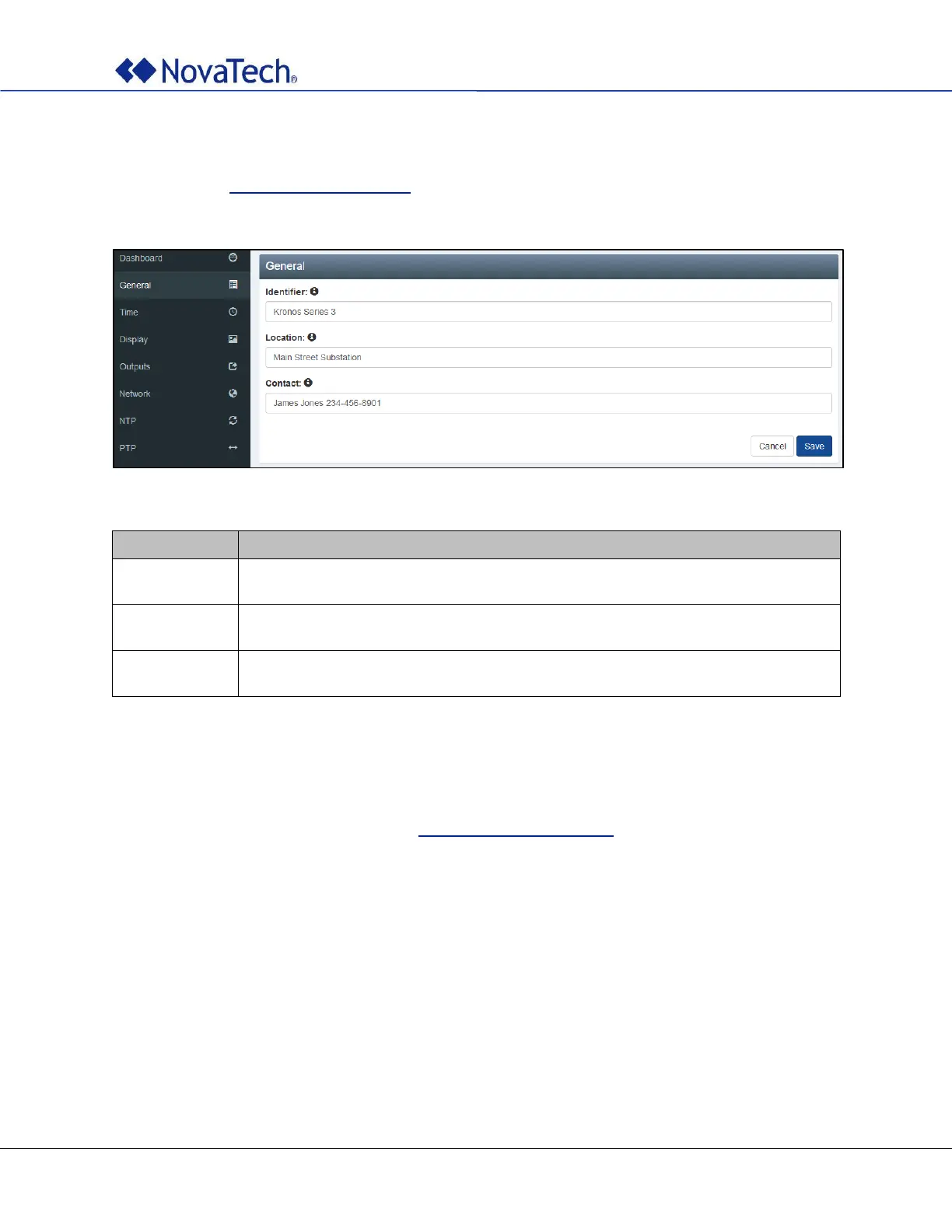
The general settings are configured on the following webpage tab. The same settings can be made offline
as described in General Settings (Offline). These strings are reported as sysName, sysLocation, and
sysContact over SNMP. They are also included in all log files.
Figure 14: General settings
The identifier is shown on the dashboard web page and reported as sysName when
using SNMP.
The location is shown on the dashboard web page and reported as sysLocation when
using SNMP.
The contact is shown on the dashboard web page and reported as sysContact when
using SNMP.
Table 4: General settings
4.2 Time Zone Settings (Online)
The time zone and daylight savings time settings are configured on the following webpage tab. The same
settings can be made offline as described in Time Zone Settings (Offline).



 To Next Page