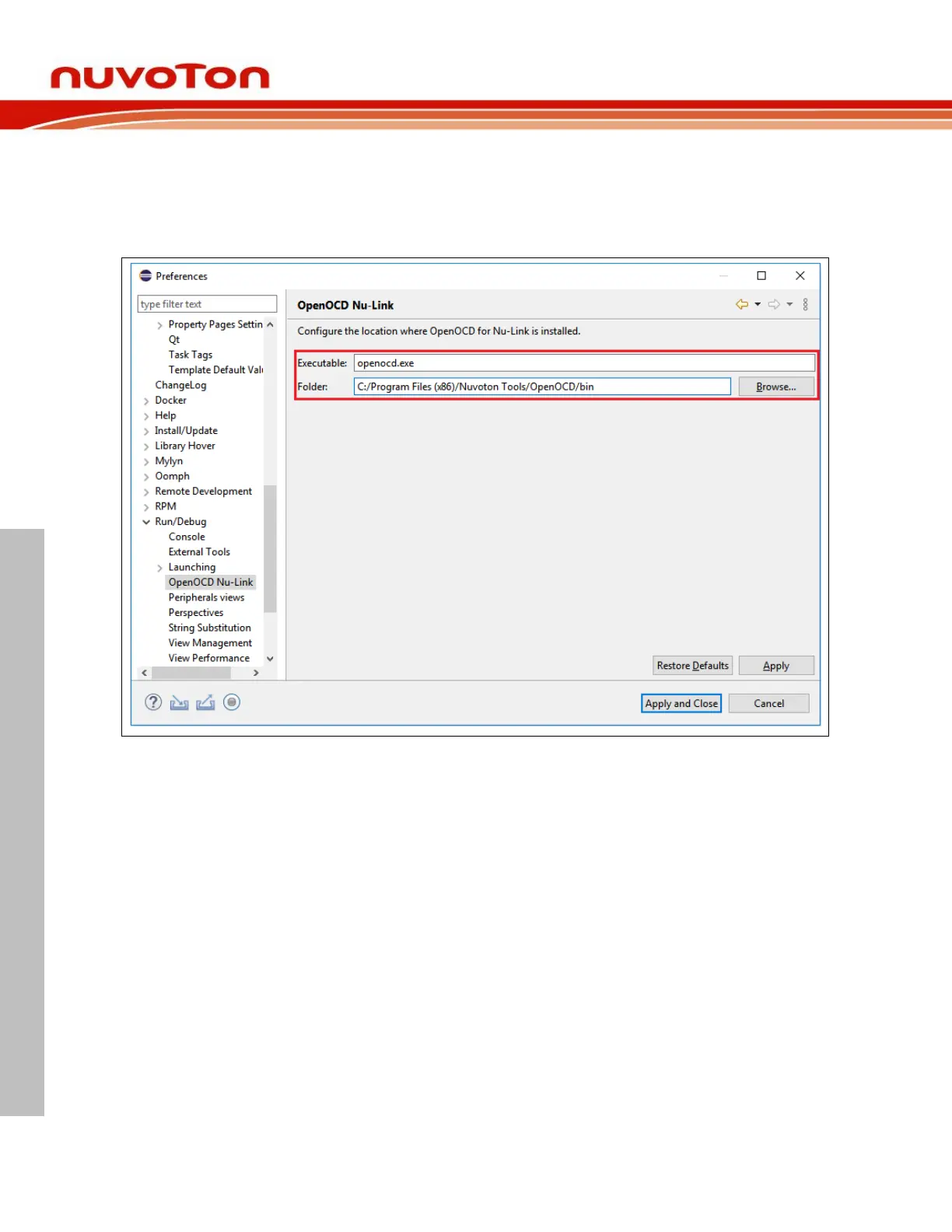
Subsequently, go to Run/Debug > OpenOCD Nu-Link and make sure the OpenOCD folder be
configured to where the installer has put the OpenOCD executable. On Microsoft Windows, for example,
the path of OpenOCD folder could be C:/Program Files (x86)/Nuvoton Tools/OpenOCD. Similarly, on
GNU/Linux it could be /usr/local/OpenOCD. The OpenOCD executable provided by Nuvoton is
customized for Nu-Link. If the user tries to use other OpenOCD executable, OpenOCD and Nu-Link may
not cooperate well. Click the Apply button to take effect.



 To Next Page