Debug Executable Files Only
If the user has an executable built with debug symbols but may not have the relevant environment used
to build the executable, he still is able to debug the executable by the following steps:
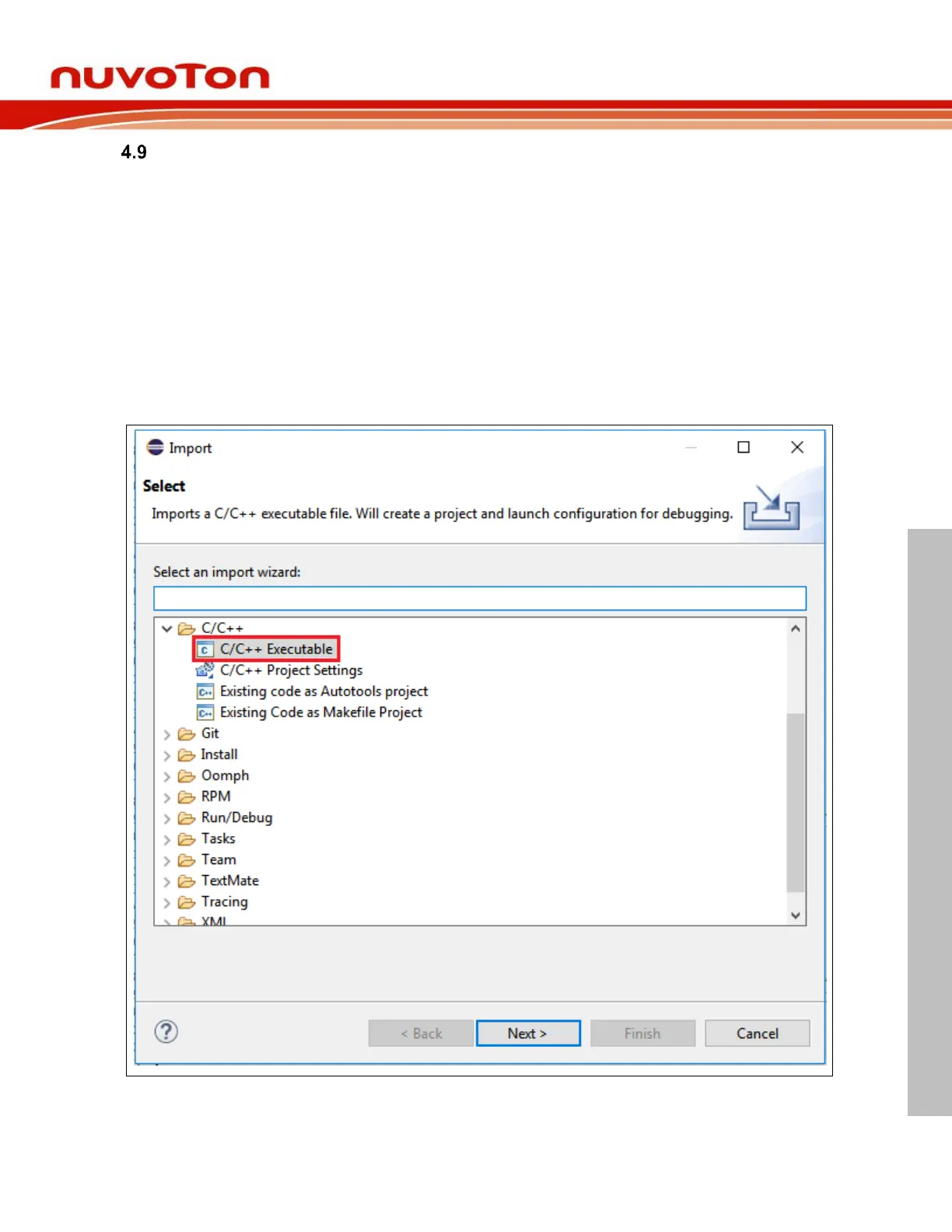
1. Import an executable for debugging (referring to Figure 4-26).
2. Click Browse following Select executable, then select an executable (referring to Figure 4-27).
3. Choose GDB Nuvoton Nu-Link Debugging as a Launch Configuration (referring to Figure
4-28).
4. Locate the GDB executable in the debug configuration (referring to Figure 4-29).
5. Choose the ELF file to download in the debug configuration (referring to Figure 4-30).
6. Add source lookup path relative to source folders (referring to Figure 4-31).
7. Press on the Debug button.



 To Next Page