7. Q: How to add udev rules for Nu-Link on GNU/Linux?
A: When accessing target chips via Nu-Link, GNU/Linux requires the USB permission. We can
get the permission by adding udev rules for Nu-Link. Here are the steps to do that:
– Add the User to the plugdev Group. Type the command in the Terminal:
sudo useradd -G plugdev $USER
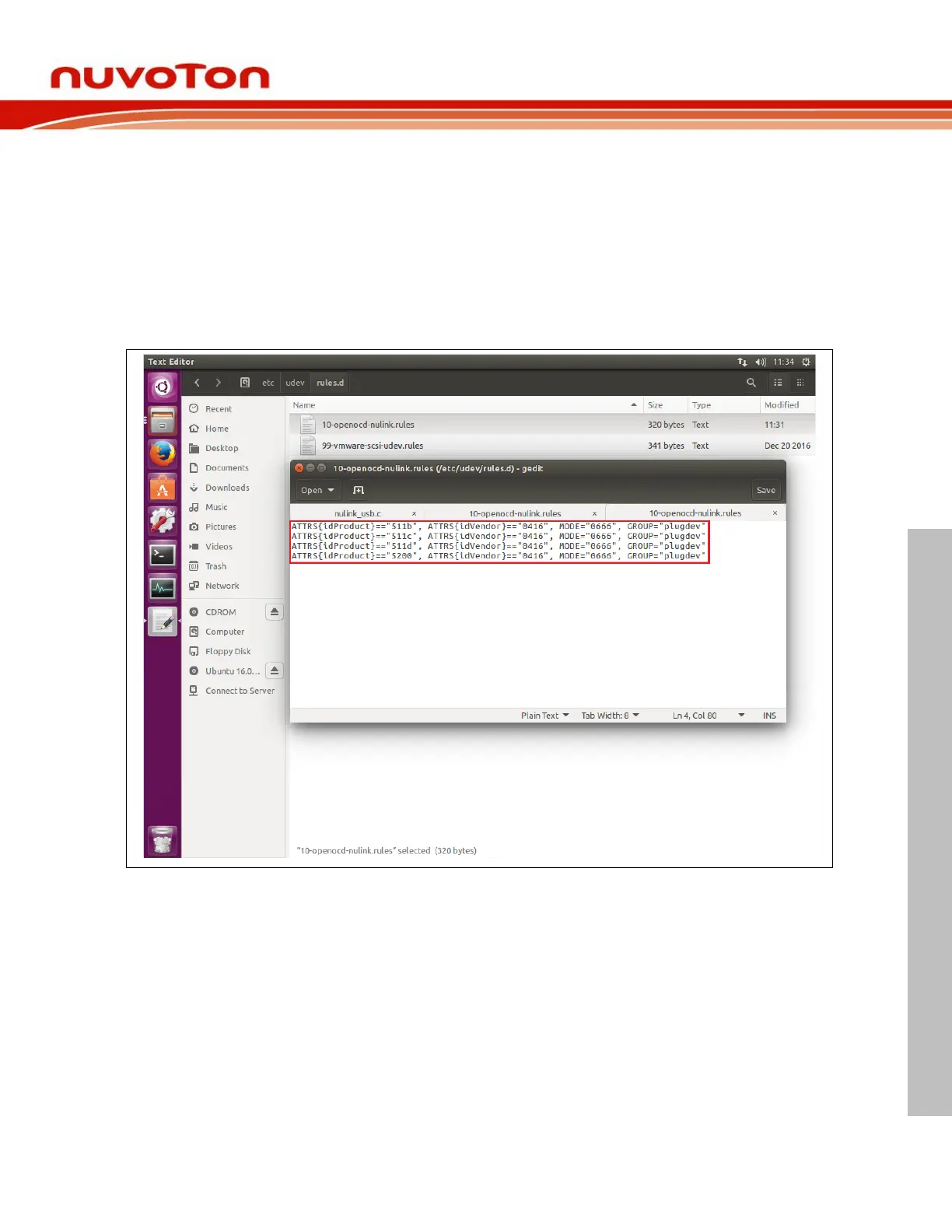
– Add Nu-Link to udev. Type the commands in the Terminal:
cd /etc/udev/rules.d and sudo gedit 10-openocd-nulink.rules
– Add the following text to the file



 To Next Page