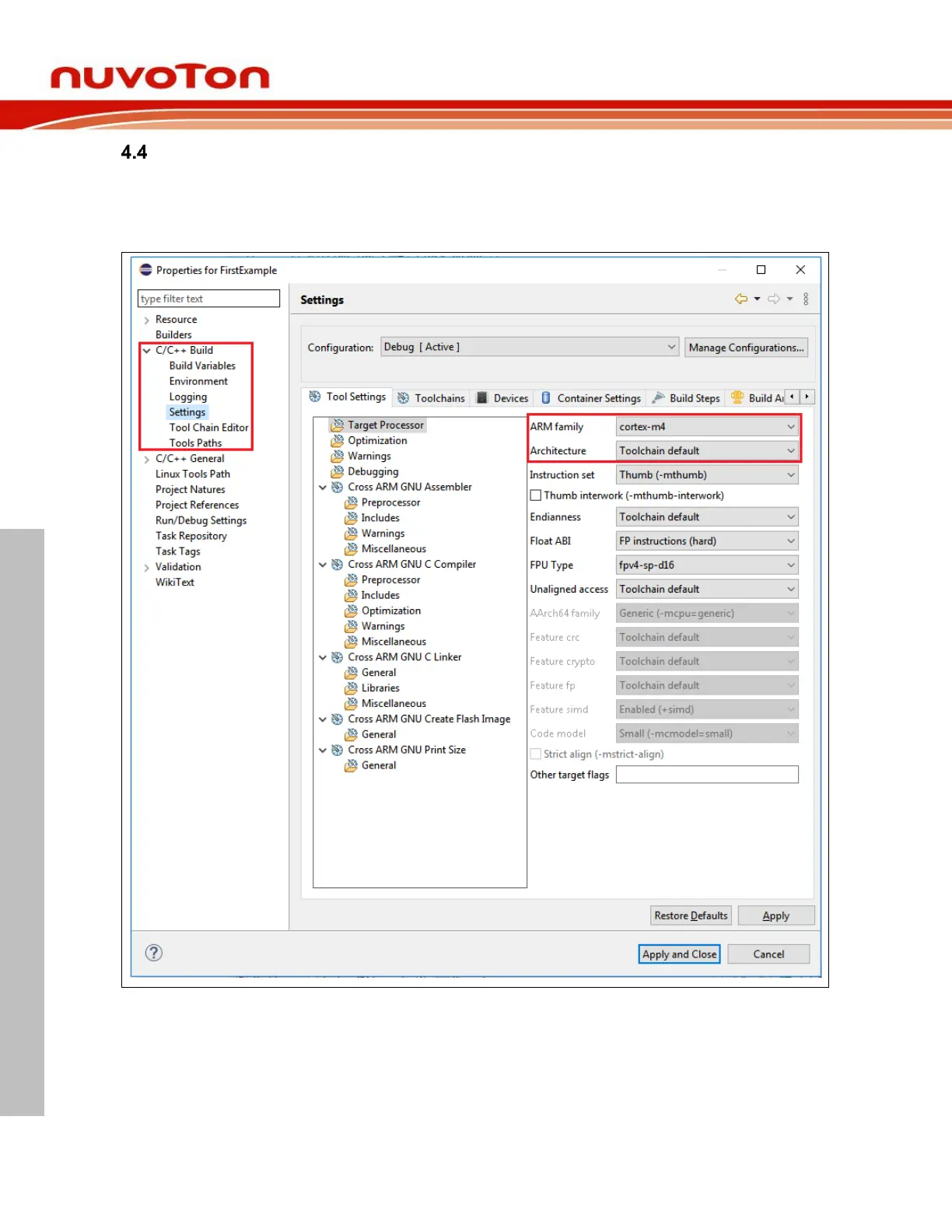
Build Settings
After projects have been created, we still have a chance to alter the build settings by clicking Project >
Properties. The Properties wizard shows up. Then go to C/C++ Build > Settings. From there, we can
alter the build settings according to the actual target chip. Then click the Apply button to take effect.
After applying build settings, we should be able to build projects successfully.



 To Next Page