4 DEVELOPMENT TUTORIAL
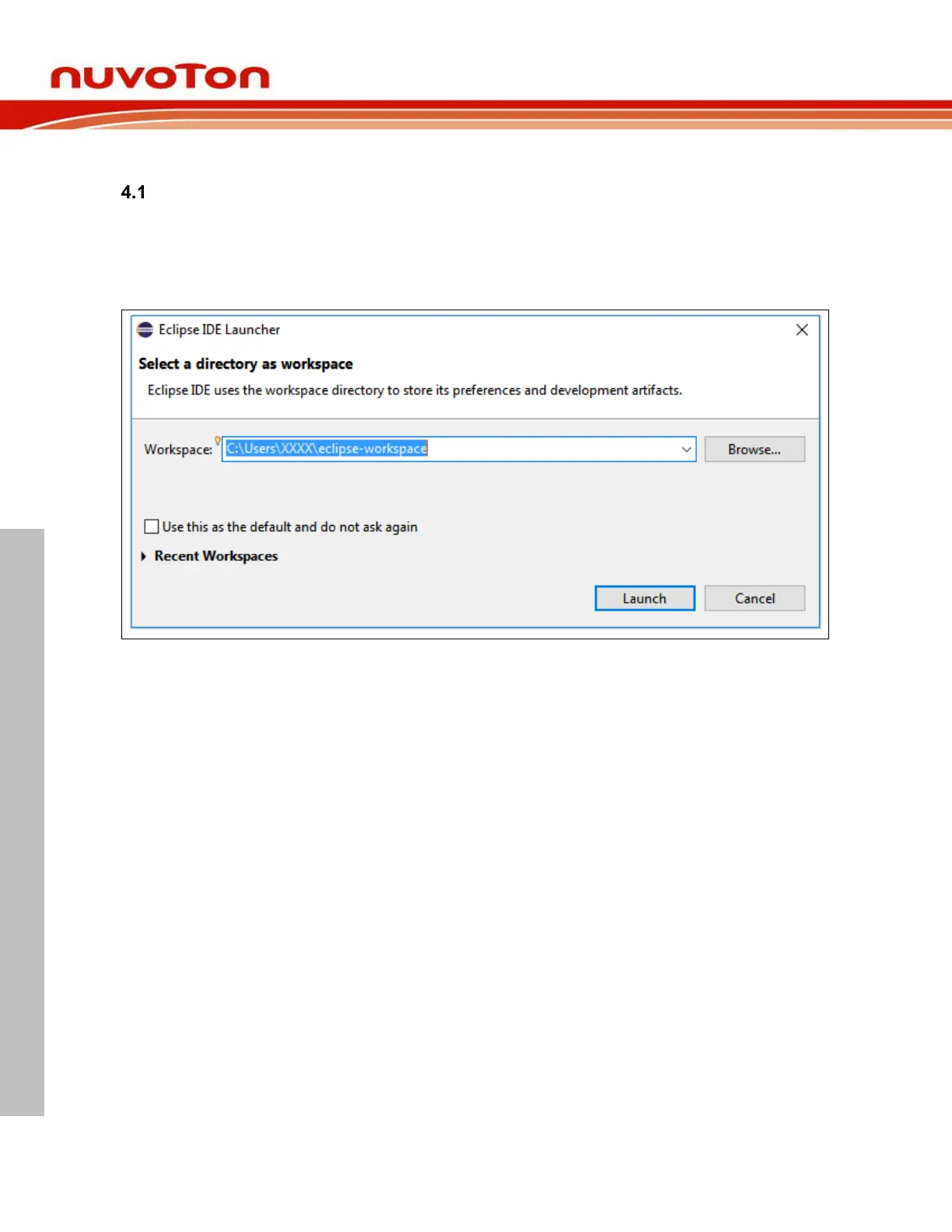
Select Workspace
When Eclipse launches, we have to select a workspace which groups a set of related projects together
that usually make up an application. In addition, some configuration settings for Eclipse and projects are
stored here, too. For different computers, the configuration settings may change. We should create our
own workspace rather than copying another user’s workspace. Only one workspace can be active at
one time. The current workspace for Eclipse can be switched by clicking File->Switch Workspace.



 To Next Page