4.6.3 Disassembly View
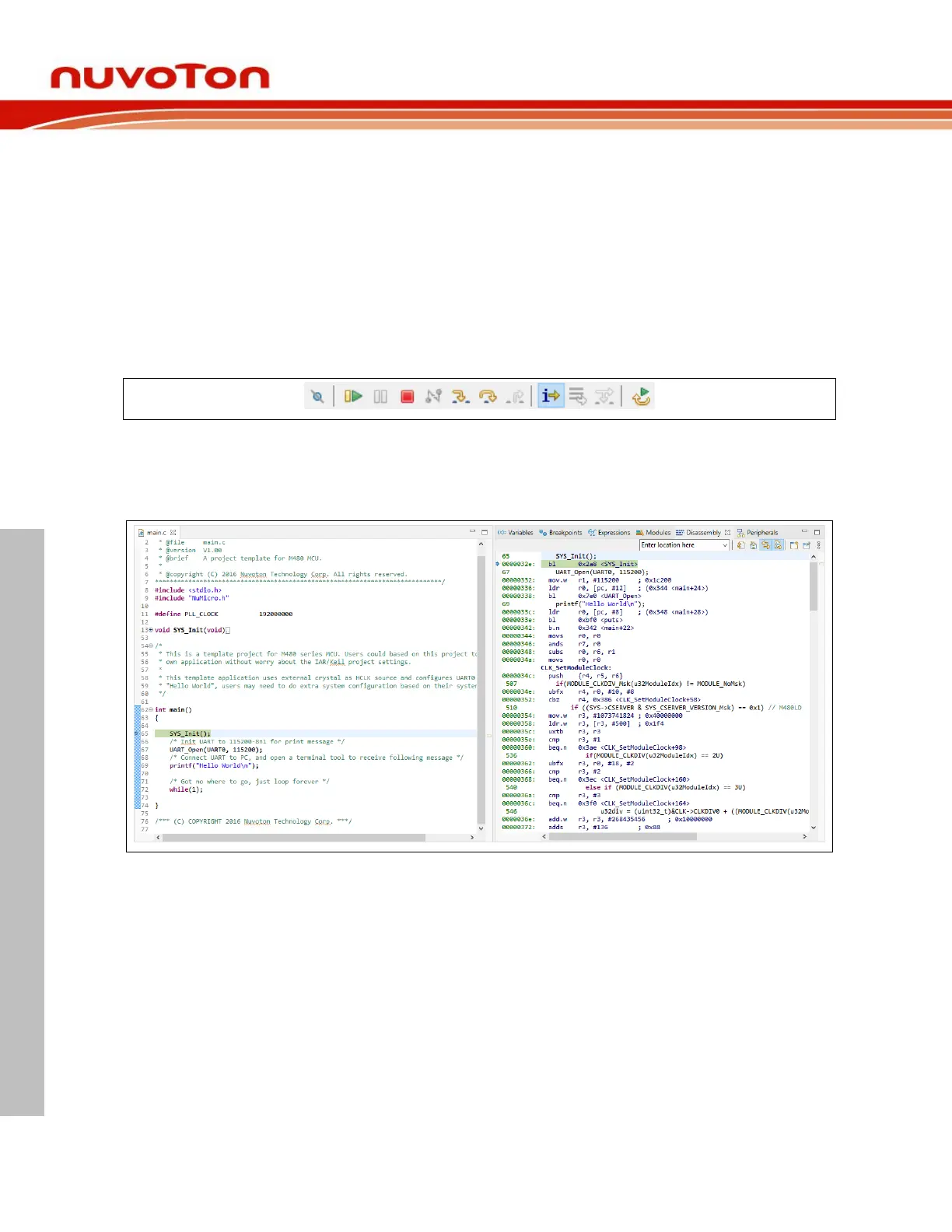
The Disassembly view shows the loaded program as assembler instructions mixed with source code for
comparison. We can do the following tasks in the Disassembly view:
1. Setting breakpoints at the start of any assembler instruction.
2. Enabling and disabling breakpoints.
3. Stepping through the disassembly instructions of the program.
4. Jumping to specific instructions in the program.
To open it, we need to click the Instruction Stepping Mode button on the upper toolbar, as follows:
Figure 4-11 Clicking the Instruction Stepping Mode Button
Then the Disassembly view will appear on the right-hand side.



 To Next Page