NuEclipse
Apr. 25, 2022 Page 51 of 57 Rev 1.02.019
4.10.7 System Registers Access
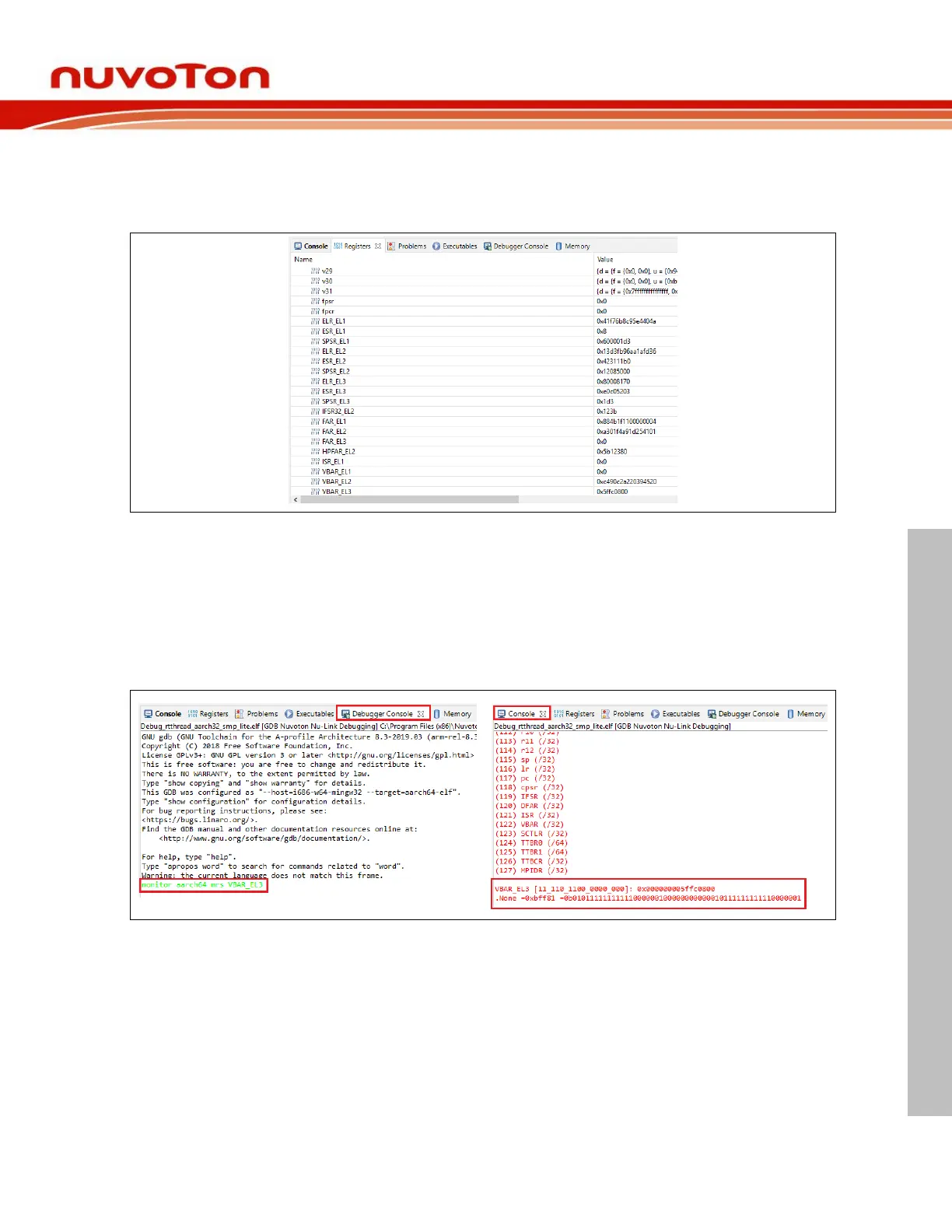
When entering the debug mode, we can open the Registers View in the bottom of Debug perspective.
The Registers view lists information about the registers in a selected stack frame. Some system registers
are listed after general registers.
Figure 4-44 System Register View
If there are no system registers user want to access in the list, please select the debugger console and
enter the following command.
1. Read system register:monitor aarch64 mrs [register name]
2. Write system register:monitor aarch64 msr [register name] [value]
The execution result will be displayed in the console window.
Figure 4-45 Use Command to Access System Registers



 To Next Page