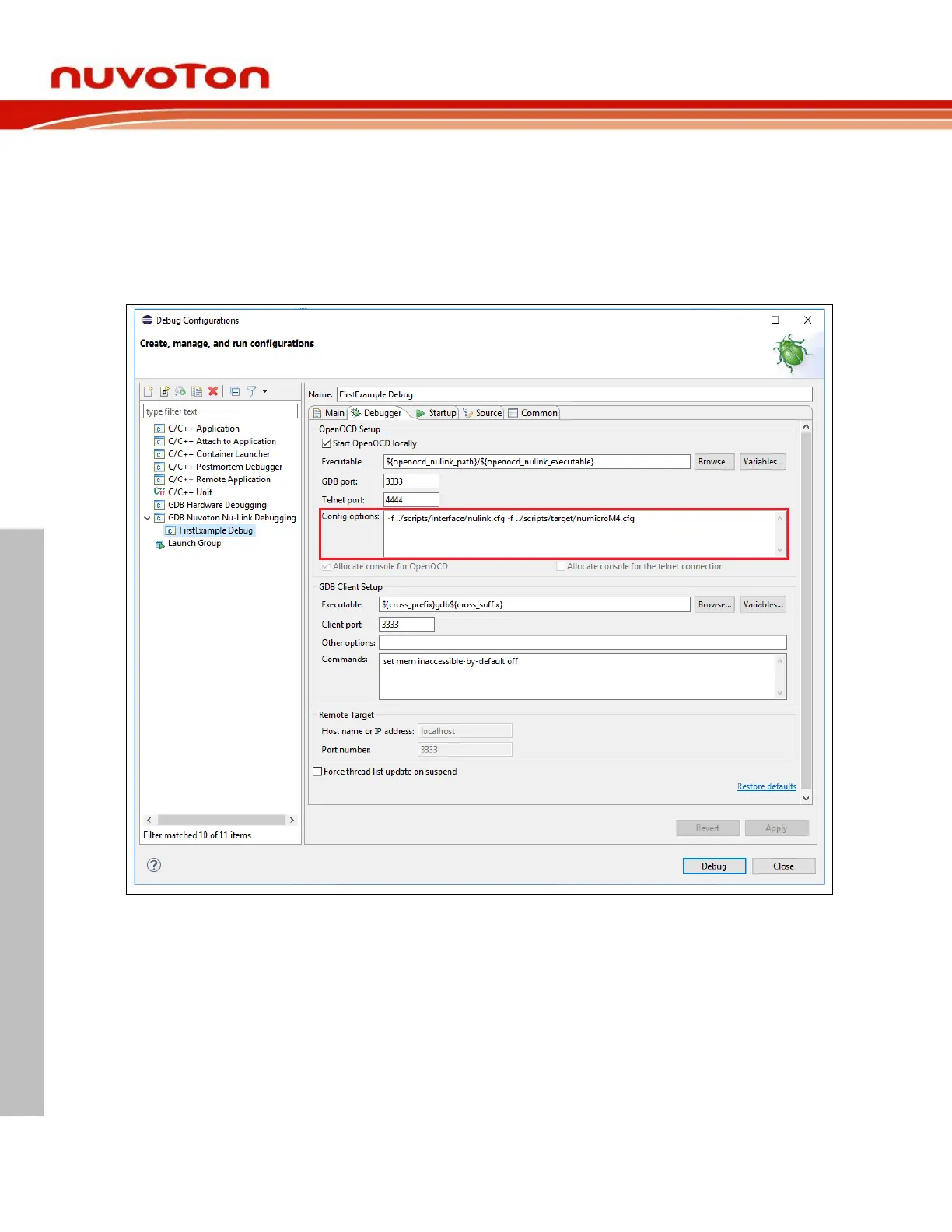
4.5.1 Debugger Tab
The Debugger tab is used to provide the OpenOCD and GDB Client setup. OpenOCD requires correct
configuration files to know how to work with adapters and target chips. The configuration files are
specified in the Config options field. Nuvoton’s adapter is Nu-Link, which uses the interface
configuration file named nulink.cfg. In addition, Nuvoton has three different ARM families, such as M0,
M4, and M23. The corresponding target configuration files are numicroM0.cfg, numicroM4.cfg, and
numicroM23.cfg. For M23 2
nd
development, the target configuration file would be
numicroM23_NS.cfg. For MA35D1 development, see Section 4.10.



 To Next Page