3 QUICK START
Installation
To make the NuEclipse ready for work, perform the following steps based on your operating system:
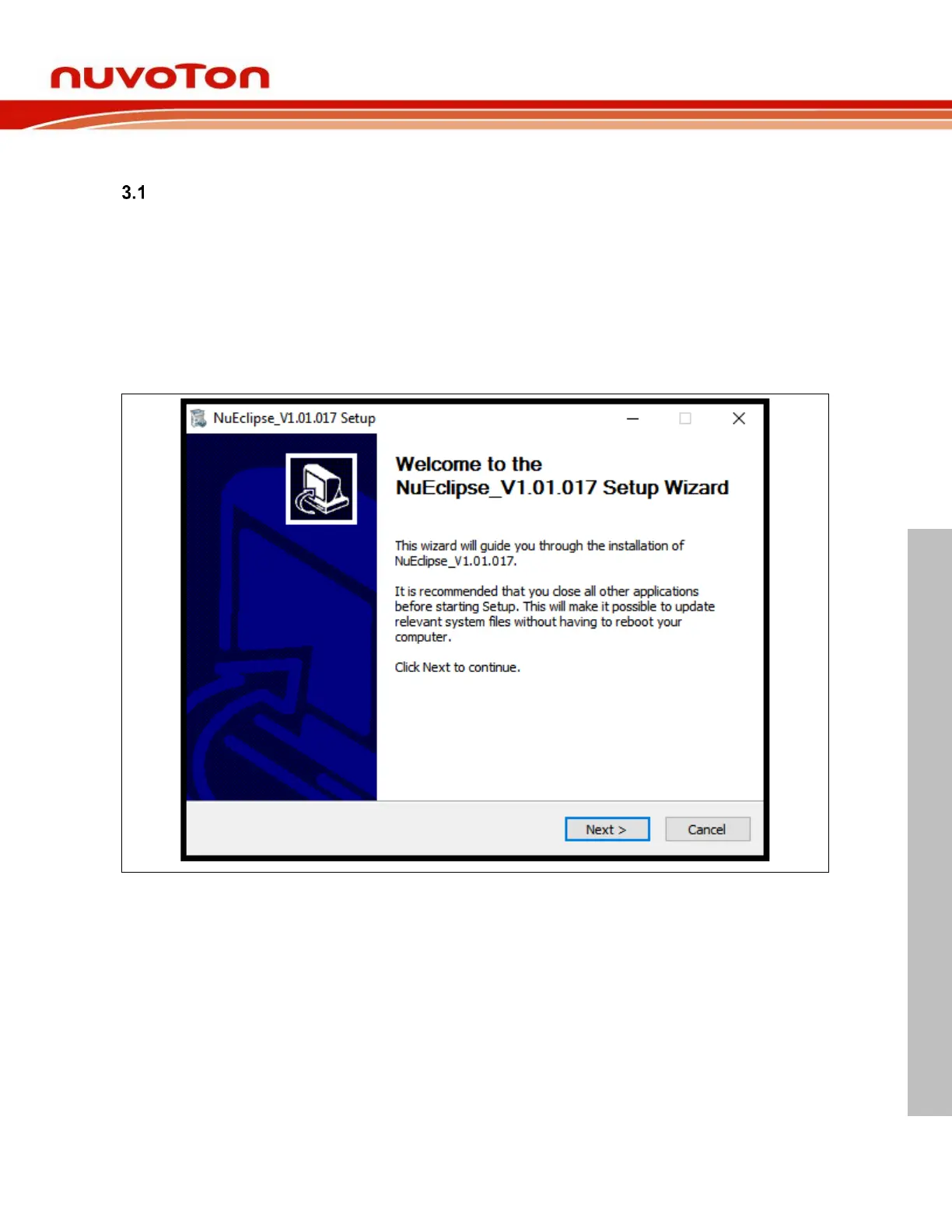
1. Performing the NuEclipse installer on Microsoft Windows.
2. Extracting the NuEclipse tar file on GNU/Linux.
3.1.1 Performing the NuEclipse Installer on Microsoft Windows
On Windows, it is very easy to install the NuEclipse only by performing the NuEclipse installer. The
installer will ask the user to install the GNU ARM Eclipse Windows Build Tools and GNU ARM
Embedded Toolchain because they are required by NuEclipse.



 To Next Page