3.1.3 Verifying the Eclipse Preferences
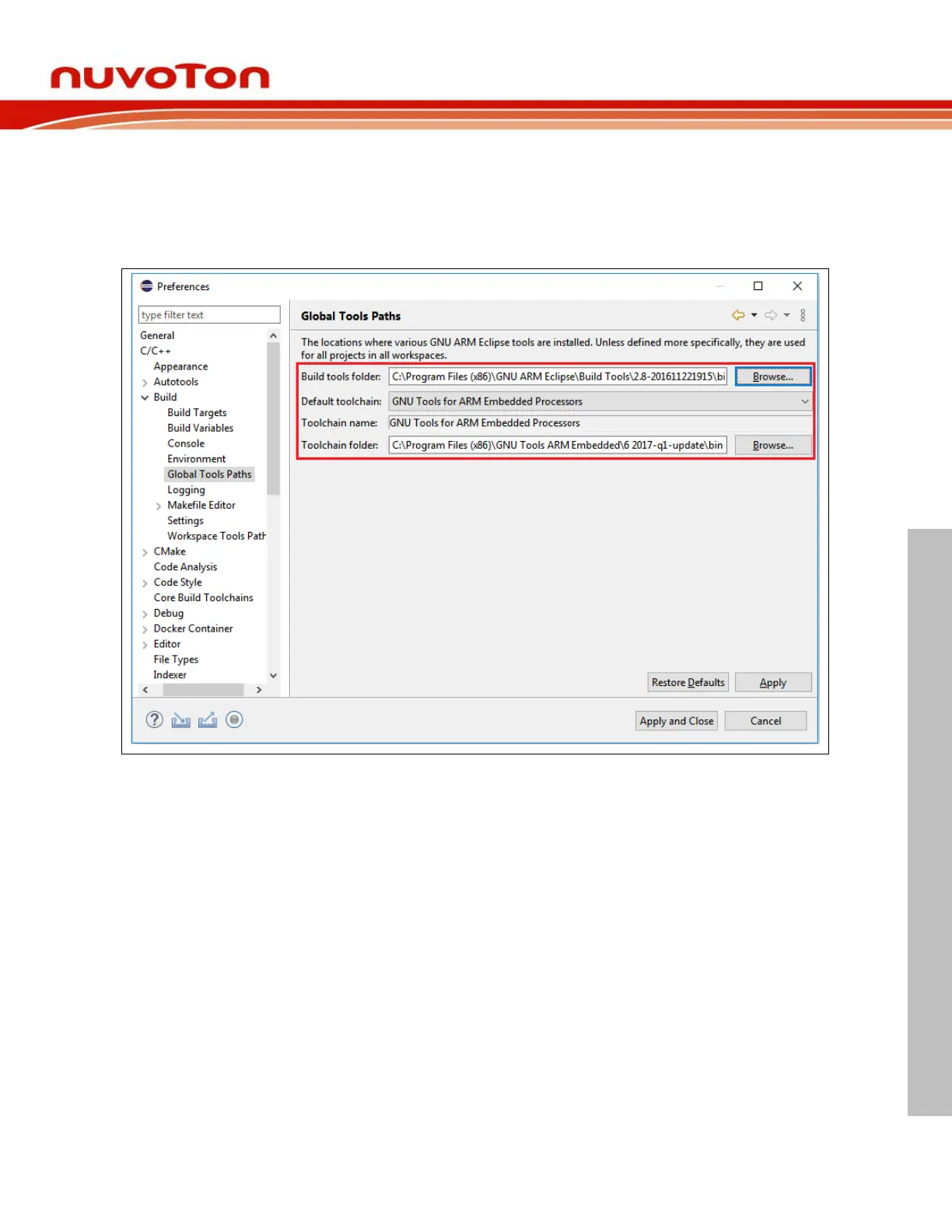
After the installation, the Eclipse preferences are automatically written on Windows. To verify them, click
Window > Preferences, the Preferences wizard appears. Go to C/C++ > Build > Global Tools Paths
and make sure the Build tools and Toolchain folder be correctly configured to what the installer has
installed in the previous step. Click the Apply button to take effect. On GNU/Linux, Build tools folder
path is not required. The path should be empty.



 To Next Page