37
H.264 4/8/16-channel Networkable DVRs
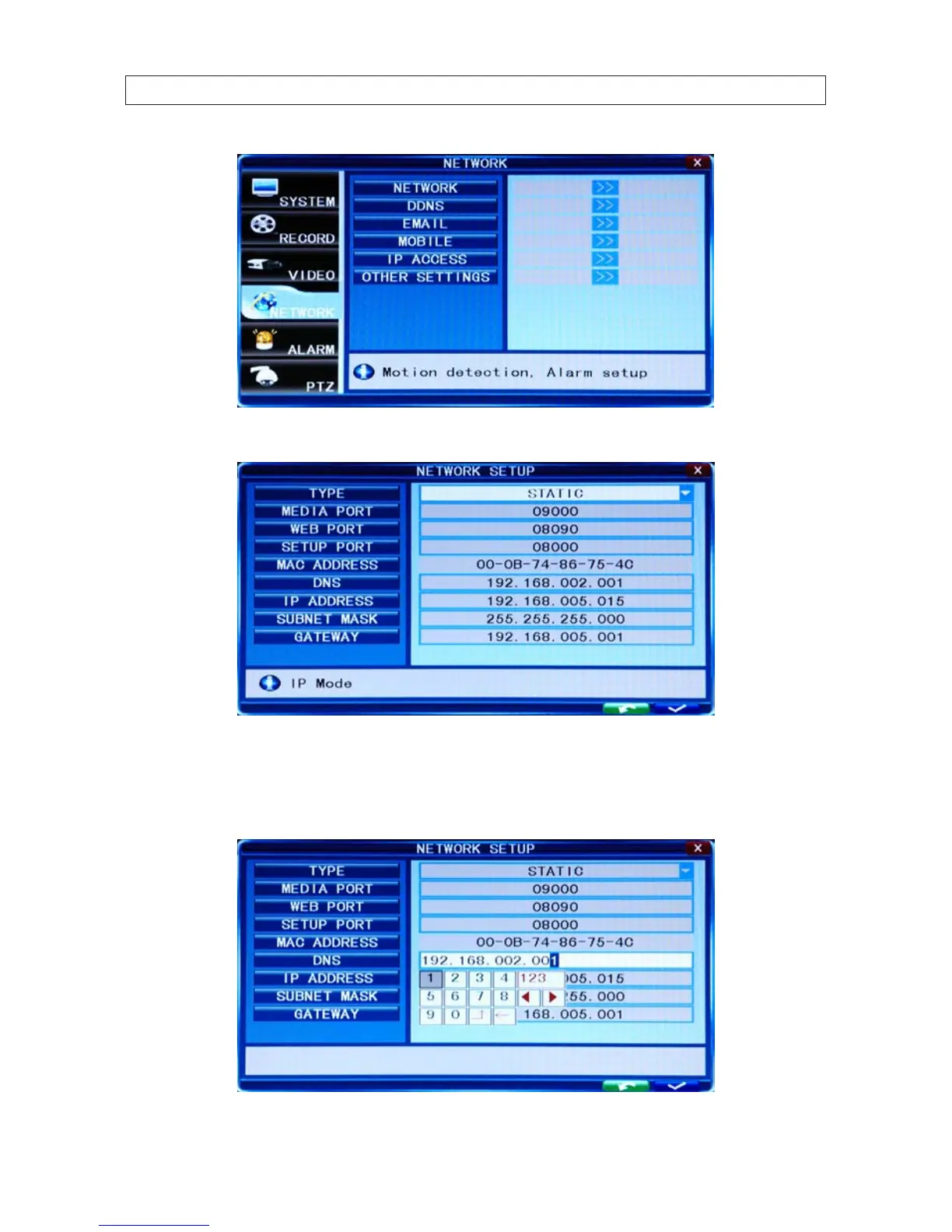
5. On the NETWORK line, click the >> icon to open the NETWORK SETUP menu.
6. Click the q icon at the right end of the TYPE line. From the dropdown list, select either DHCP, PPPOE, or STATIC for the IP
network setup. If you select DHCP or PPPOE, the DVR will acquire its network settings automatically. If you select STATIC, you
can congure your network settings manually by clicking on the entry eld and using the virtual keyboard to enter data. See
the following screen capture.
SECTION 4: NETWORKING YOUR DVR



 To Next Page