60
SECTION 7: DVR SYSTEM MENUS
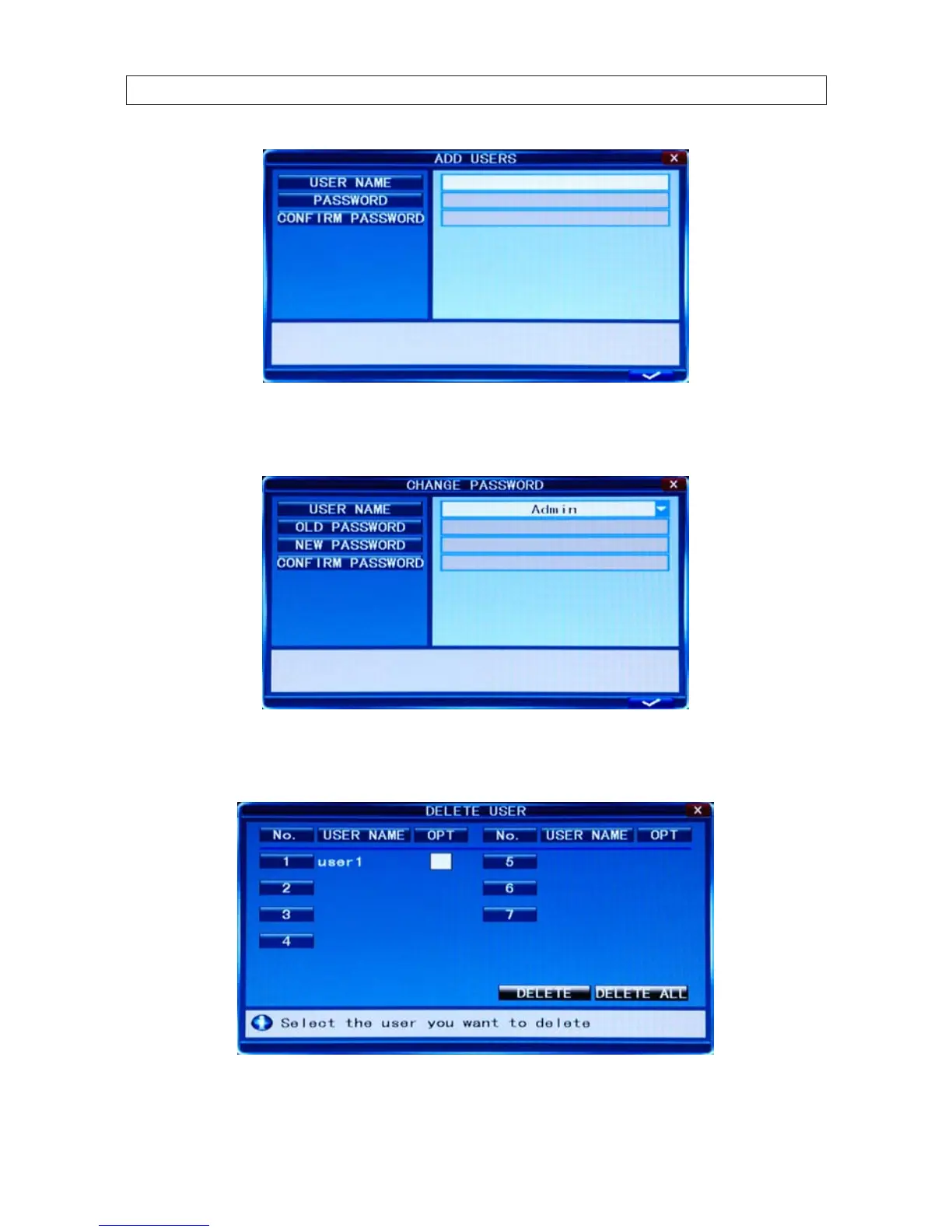
CHANGE PASSWORD: Select the username whose password you want to change, then enter the old password, the new
password, and the new password again in the Conrm Password eld.
DELETE USER: In this window, select the user you want to delete, then click the “check” button in the lower right corner
of the window.



 To Next Page