89
H.264 4/8/16-channel Networkable DVRs
APPENDIX C: HDD INSTALLATION
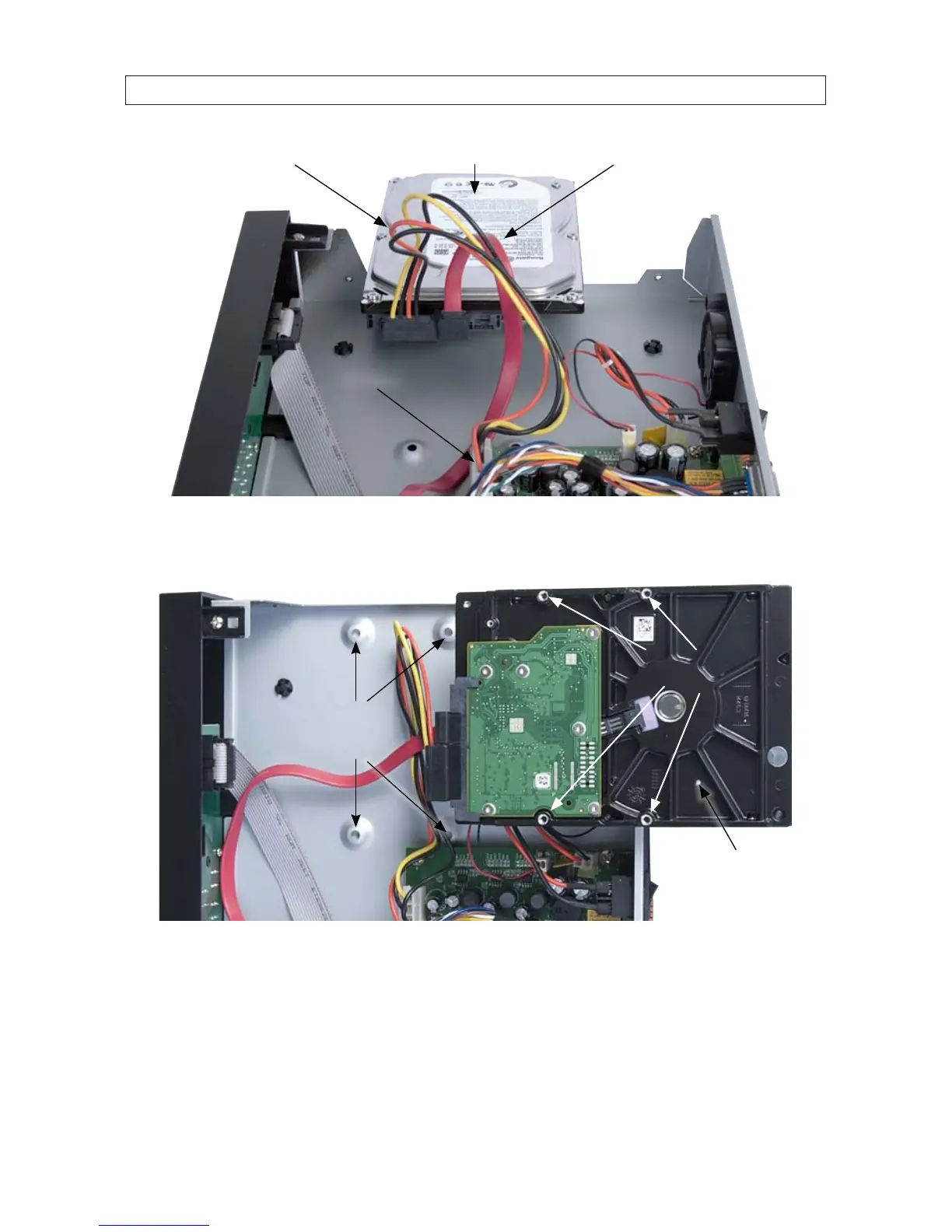
SATA data cableSATA power cable HDD
PC board
5. Locate the holes in the chassis for the HDD mounting screws, and holes on the underside of the HDD for the mounting screws.
See the photos below.
Chassis HDD
mounting
screw holes
Underside of
the HDD
HDD mounting
screw holes
6. Position the HDD as shown in the photo below, aligning the chassis HDD mounting screw holes with the chassis HDD mounting
screw holes.



 To Next Page