EXPLORER BALANCES EN-17
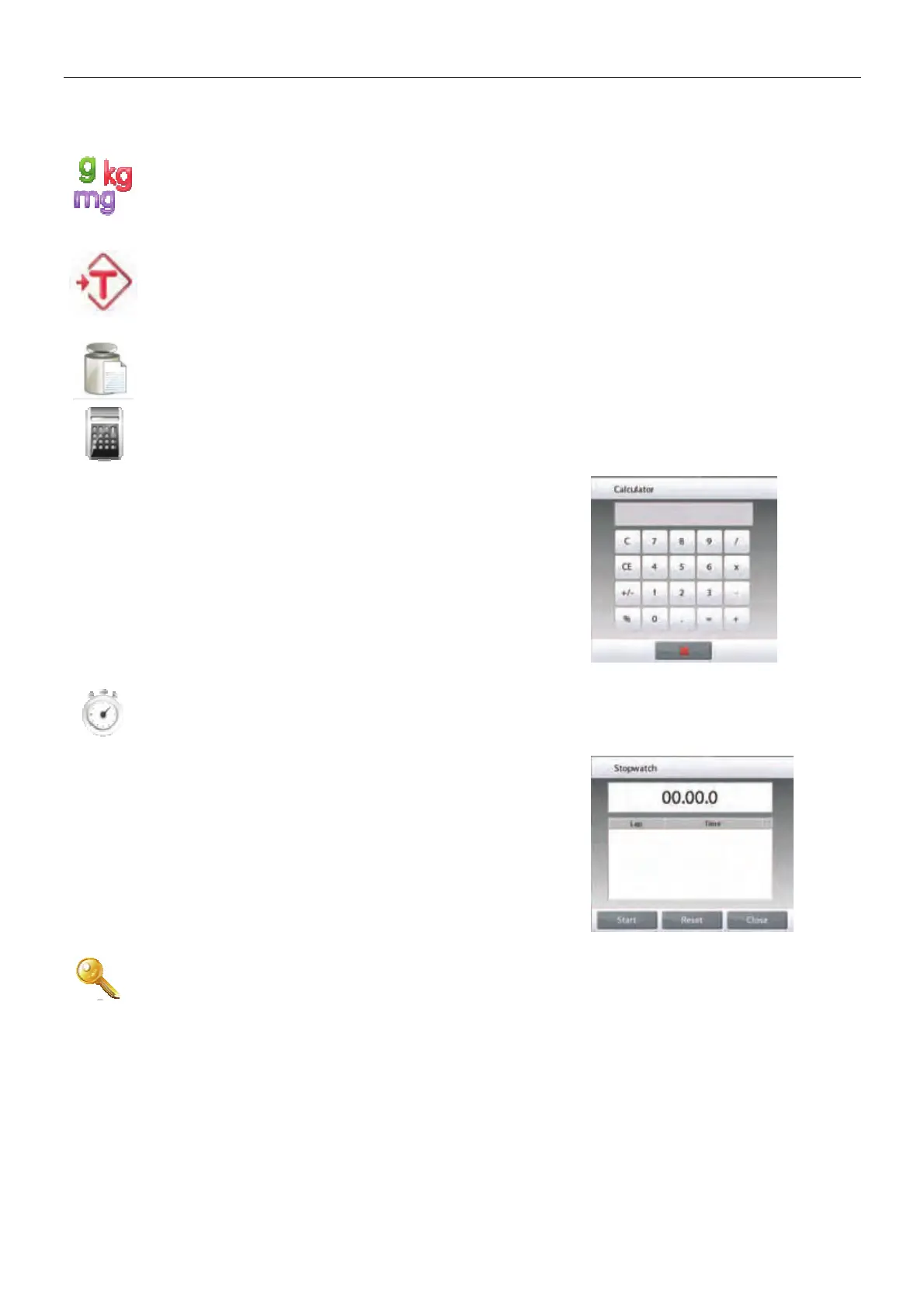
3.6.11 Weighing Units
The balance can be configured to measure in a variety of weighing units, including three (3) custom
units. Touch Units to choose from the displayed list. (Scroll down to see all options.)
Note: The active weighing Unit can also be accessed by touching the unit area of the Main Display
line; If a unit is not displayed in the list, it must first be turned on via the User Menu.
3.6.12 Preset Tare
To enter a Preset Tare, press the Icon and then enter a value;
enter 0 to clear the Preset Tare. The display will show the PT symbol and the tare value as a negative
number.
3.6.13 Calibration Test
is used to compare a known calibration weight against the last stored span calibration data.
3.6.14 Calculator
To use the built-in calculator application, touch Calculator. A four function calculator with addition,
subtraction, multiplication and division mathematical operations is available
• Perform a numeric operation using the keypad.
• Press = to view the result.
• To Clear the display: Press CE to clear the entry, C to clear
all
• Touch
x to close and return to the current Application.
3.6.15 Stopwatch
To use the built-in stopwatch application, touch Stopwatch. A countdown timer with interval (lap)
timer is available.
• Press Start to begin using the Stopwatch timer.
• Press Reset to reset the timer to Zero.
• Touch Close to close and return to the current Application.
3.6.16 Logout
Used for User logout and return to User Login screen. This feature is only active if a user profile has
been created and a User has logged in.













 To Next Page