EN-96 EXPLORER BALANCES
5.6 Applications
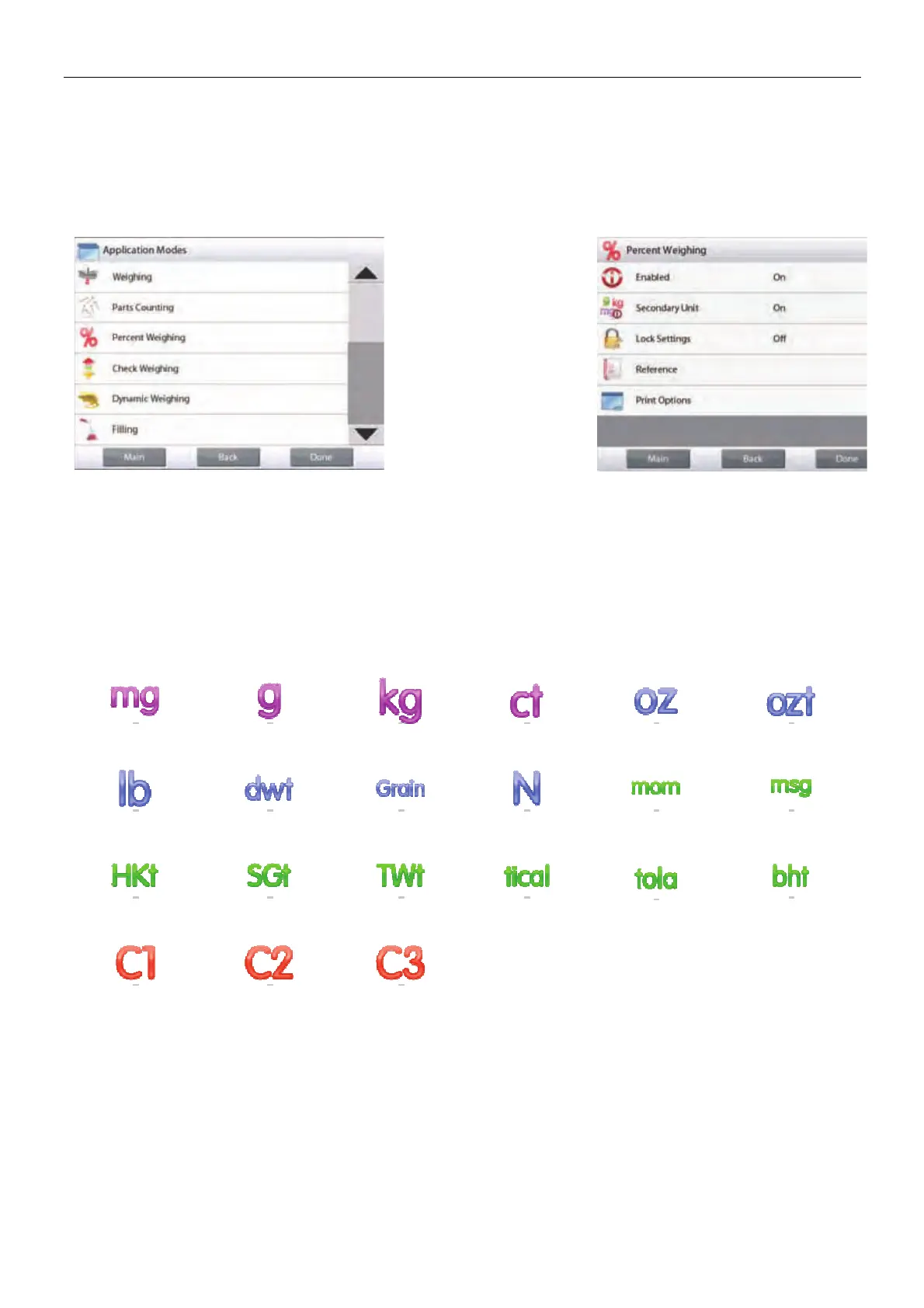
Enter this sub-menu to activate the desired Balance Applications. Only one application can be running at
a time.
(The use of each Application is described in detail in Section 4.)
5.6.1 Turning an Application ON/OFF
Touch line of the desired
application. In the Item
option screen, touch the
Enabled line to toggle it
on or off.
Once an Application is
enabled (turned on) it
may be chosen from the
Applications shortcut
(top-left of all home
screens).
The current menu item status is shown: OFF = disabled, ON = enabled
5.7 Weighing Units
Enter this sub-menu to activate the desired units of measure.
Note: Due to national laws, the indicator may not include some of the units of measure listed.
5.7.1 Units Sub-menu
milligram gram kilogram carat ounce ounce troy
pound pennyweight grain Newton momme mesgal
Tael (HK) Tael (SG) Tael (TW) tical tola baht
Custom Unit 1 Custom Unit 2 Custom Unit 3
Note: If LEGAL FOR TRADE is set to ON, the Unit menu is locked.













 To Next Page