EN-86 EXPLORER BALANCES
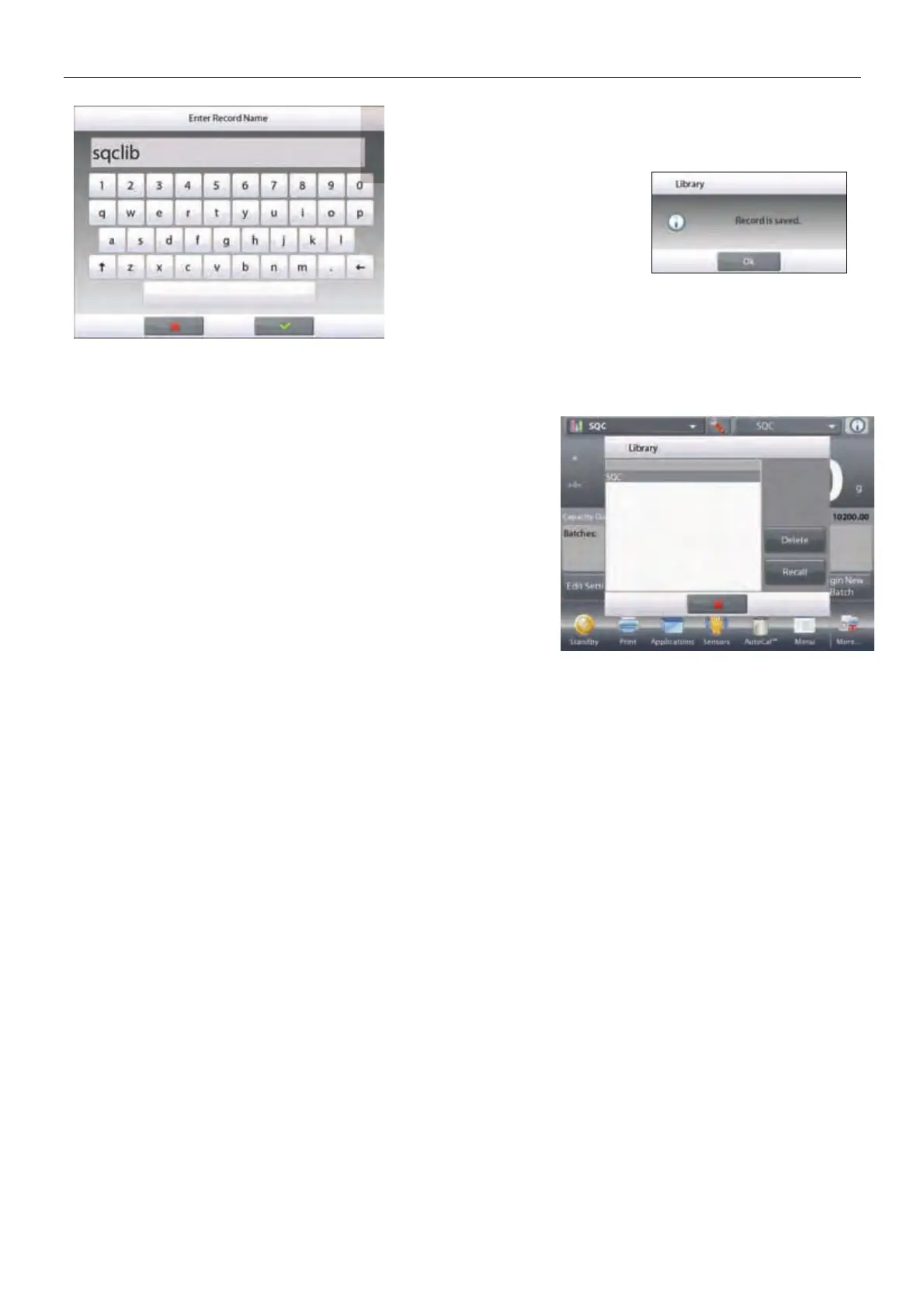
Enter the Record name,
then press 9.
Note: Library Record names
can be 8 characters or less.
A
Record is saved
message
appears. Press
OK
, then…
Press
Return to Application
.
4.16.2 Retrieving a Library Record
Load a Library record from the home screen.
Press the
Library
bar in the upper right area of the screen.
(It shows the name of the most recently used library file.)
The Library manager popup is now displayed.
Touch the Library Record to highlight it, then touch Recall
to load the record’s settings into the Application.
Then press
Close
to return to the home screen with the Library
name displayed and the stored parameters active.
4.16.3 Deleting a Stored Library Record
To delete a stored record, follow “Retrieving a Library Record” above, but press Delete instead of Recall.













 To Next Page