EXPLORER BALANCES EN-65
To return to the Density Determination home screen,
touch Return to Application.
Begin the Density determination process as per above.
4.10.5 Measuring the Density of a liquid using a Calibrated Sinker (not supplied)
Enable this feature, enter the Density Setup menu and select the following; Density Type: Liquid.
(See Application Setup.)
Note: when the Density Type is set to Liquid, the Liquid type and Porous material selections are disabled.
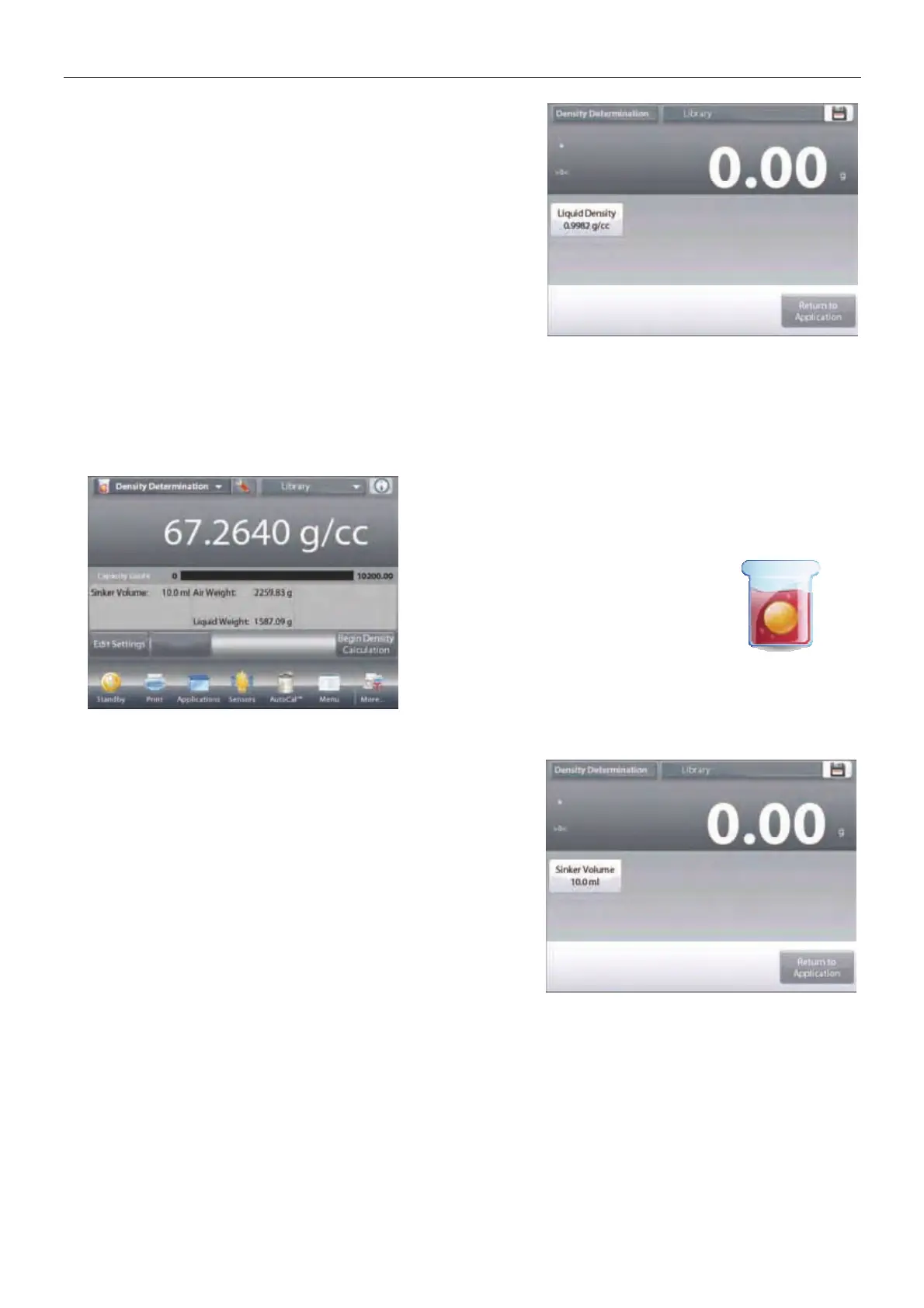
The DENSITY DETERMINATION – LIQUID Home screen
Main Display Line
Second Display Line
Reference Fields
Application Buttons
Functions Application Icon
Confirm that the default value displayed (sinker volume) is
correct. To edit the default values, touch
Edit Settings
and the
Settings screen is now displayed:
Settings available: Sinker Volume
Functions Available:
Return to Application
To adjust the Sinker volume value, touch the
Sinker Volume
button.













 To Next Page