EXPLORER BALANCES EN-57
4.9 Differential Weighing
Differential weighing stores weight values so samples can be dried or processed and the difference in weight
calculated. Up to 99 samples can be stored.
Differential weighing has two operating modes:
• Auto-Process On, where the initial and final weights are
sequentially gathered for a one item; and
• Auto-Process Off, where initial weights are gathered for
a set of items, then all the final weights for each item are
gathered afterwards.
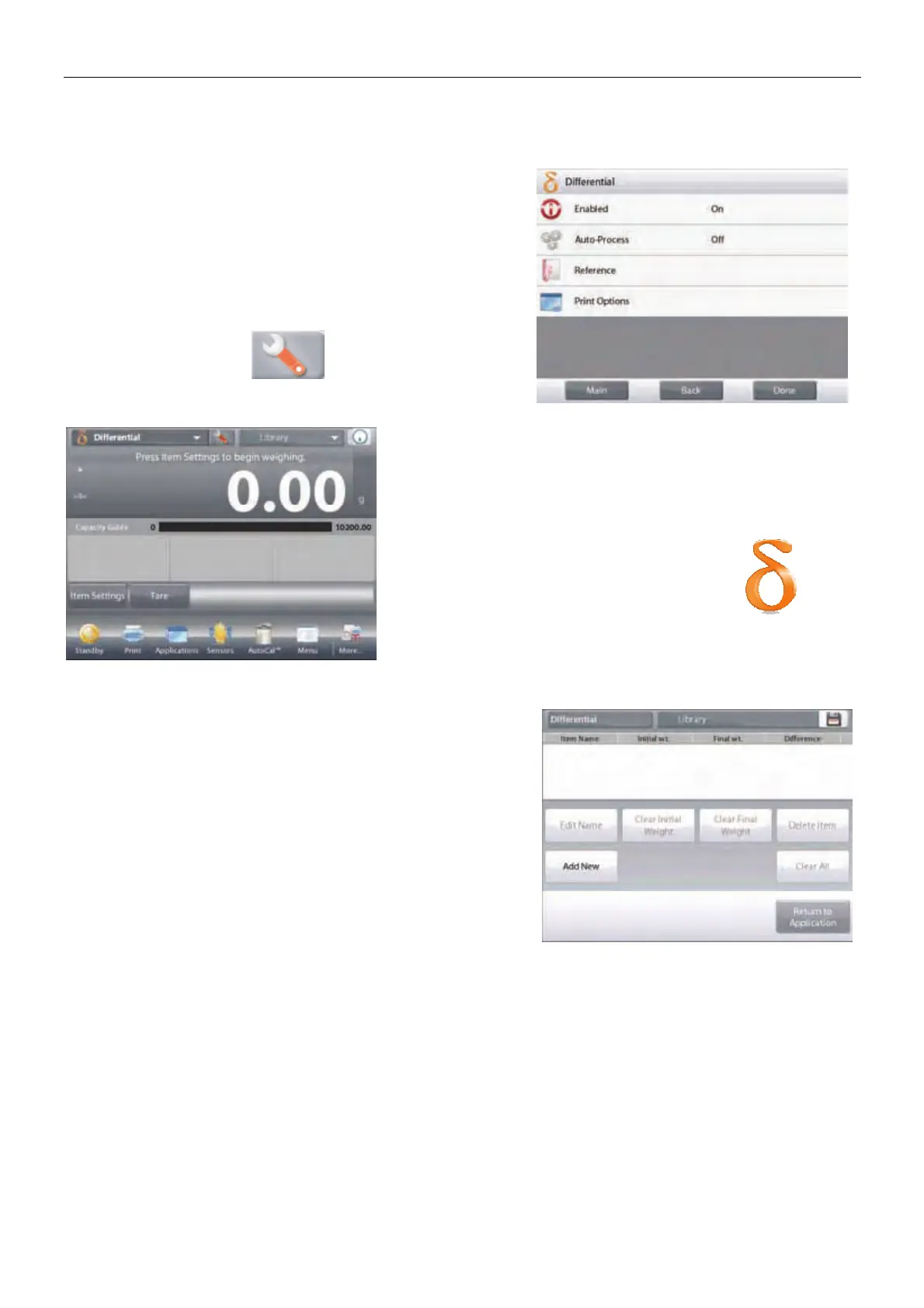
Touch the
Setup
icon (wrench) to enter
Application Setup
from
the home screen.
The DIFFERENTIAL WEIGHING Home screen
Main Display Line
Second Display Line
Reference Fields
Application Buttons
Functions Application Icon
4.9.1 Item Settings
Press
Item Settings
to set up items in memory.
To set up the item, Press Add New.













 To Next Page