EN-74 EXPLORER BALANCES
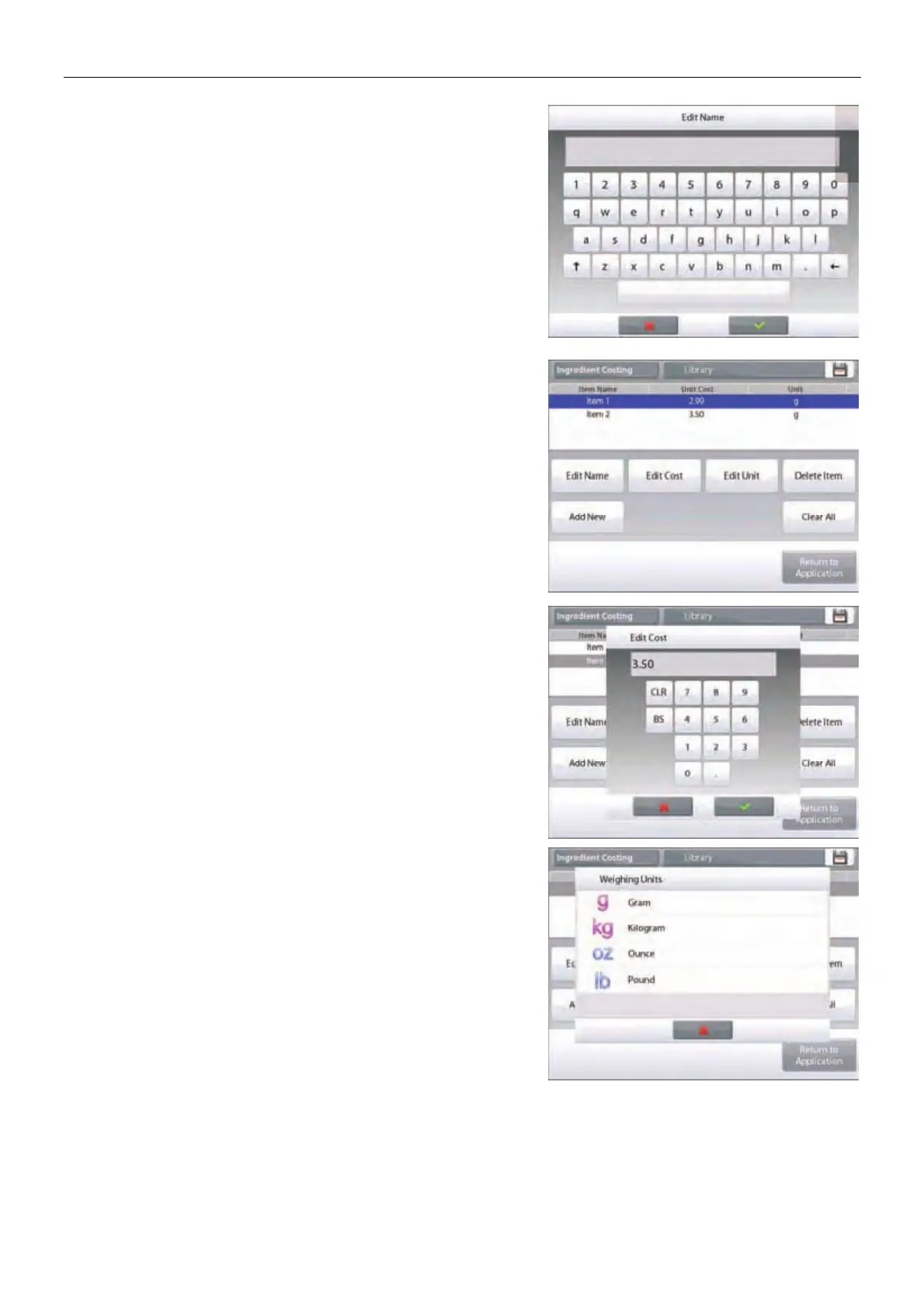
To change the default item name, Press Edit Name.
The alpha-numeric entry screen appears.
Enter the new name, then press 9.
The display returns to the previous screen with the new value
highlighted momentarily.
To change the default component cost per unit,
Press Edit Cost.
The numeric entry screen appears.
Enter the new weight, then press Done.
The display returns to the previous screen with the new value
highlighted momentarily.
To change the default component Unit, press Edit Unit.
The Weighing Units screen appears.













 To Next Page