EXPLORER BALANCES EN-83
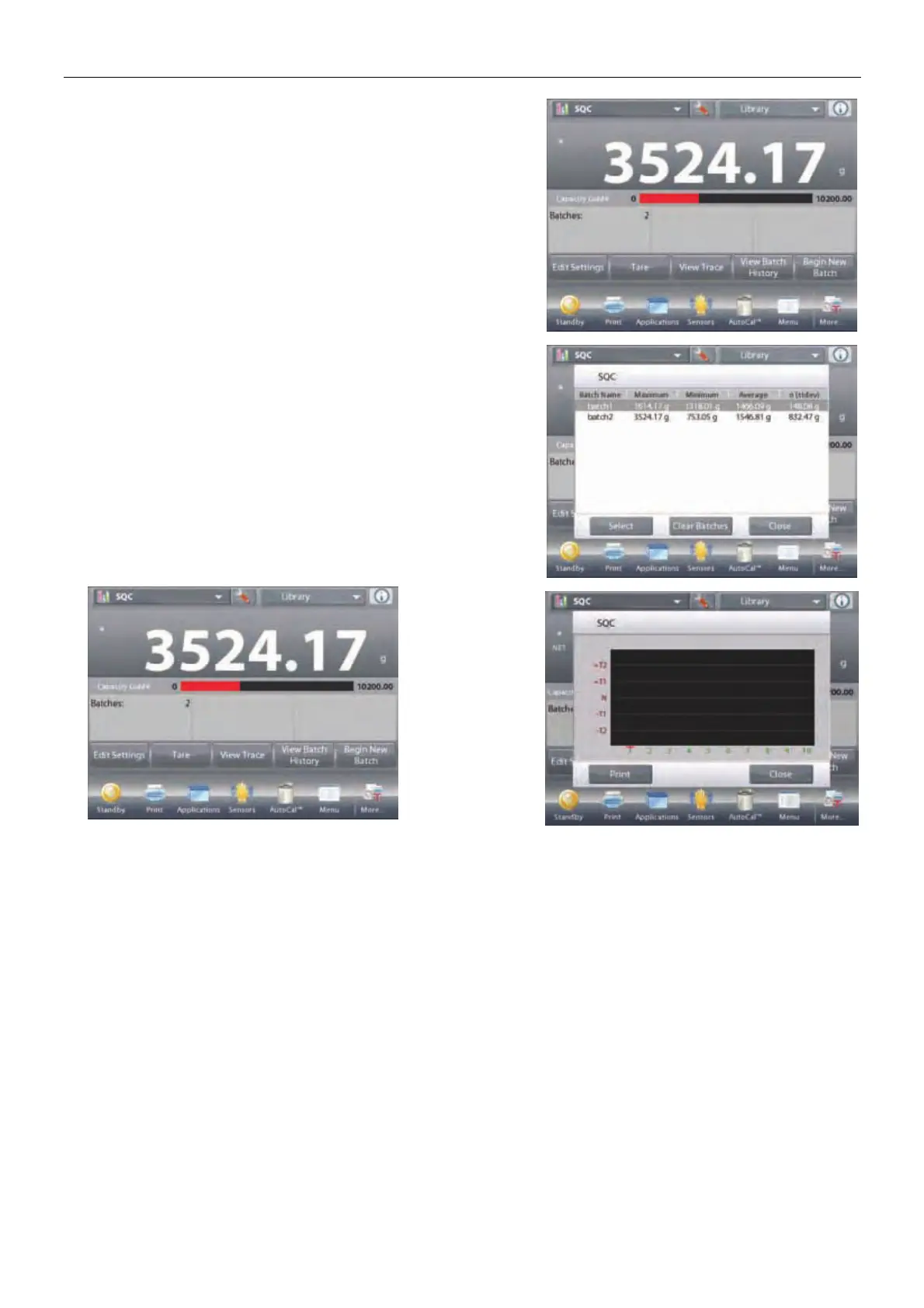
To view the process results of this batch (and any other saved
batch), press the
View Batch History
button.
The Batch History screen shows the basic information –
Maximum, Minimum, Average (mean), and Standard
Deviation – for all currently saved batches.
Press Select to see (and print) the Batch Information screen for
any saved batch.
Press Clear Batches to reset SQC results and
return to the SQC home screen
Press
Close
to return to the SQC home screen to
begin another batch or to view process results.
To view the
Process results
graphically
(batch
comparison),
press the View
Trace button.
Press Print or
Close as
above.













 To Next Page