26
Analyzer setup - Section 5
5.2 Weight calibration
The Moisture Analyzer can be span calibrated with an external mass of 20 grams. Calibration of the Moisture Analyzer
balance is not absolutely necessary for a correct moisture determination as the measurement is relative. The balance
determines the weight of the sample before and after drying and the moisture is calculated on the basis of the ratio
between wet and dry weights.
Nevertheless, you should calibrate the built-in balance under the following conditions:
If this is stipulated by your quality assurance system (GLP, GMP, ISO 9001).
If you suspect the analyzer has been abused.
To calibrate the Analyzer, proceed as follows:
Press the Setup button. Using the arrow buttons, scroll to WEIGHT CAL.
Press the Enter button.
ANALYZER SETUP
LOCK OUT
WEIGHT CAL
TEMP CAL
LANGUAGE
BEEPER
TIME-DATE
The display screen highlights the action you should take.
Clear the pan handler, a sample pan should be in place, close the cover on
the Moisture Analyzer.
Press the Display button to return to display. To abort, press START/STOP
button.
WEIGHT CAL
PLACE 20G MASS
TO ABORT
PRESS STRT/STP KEY
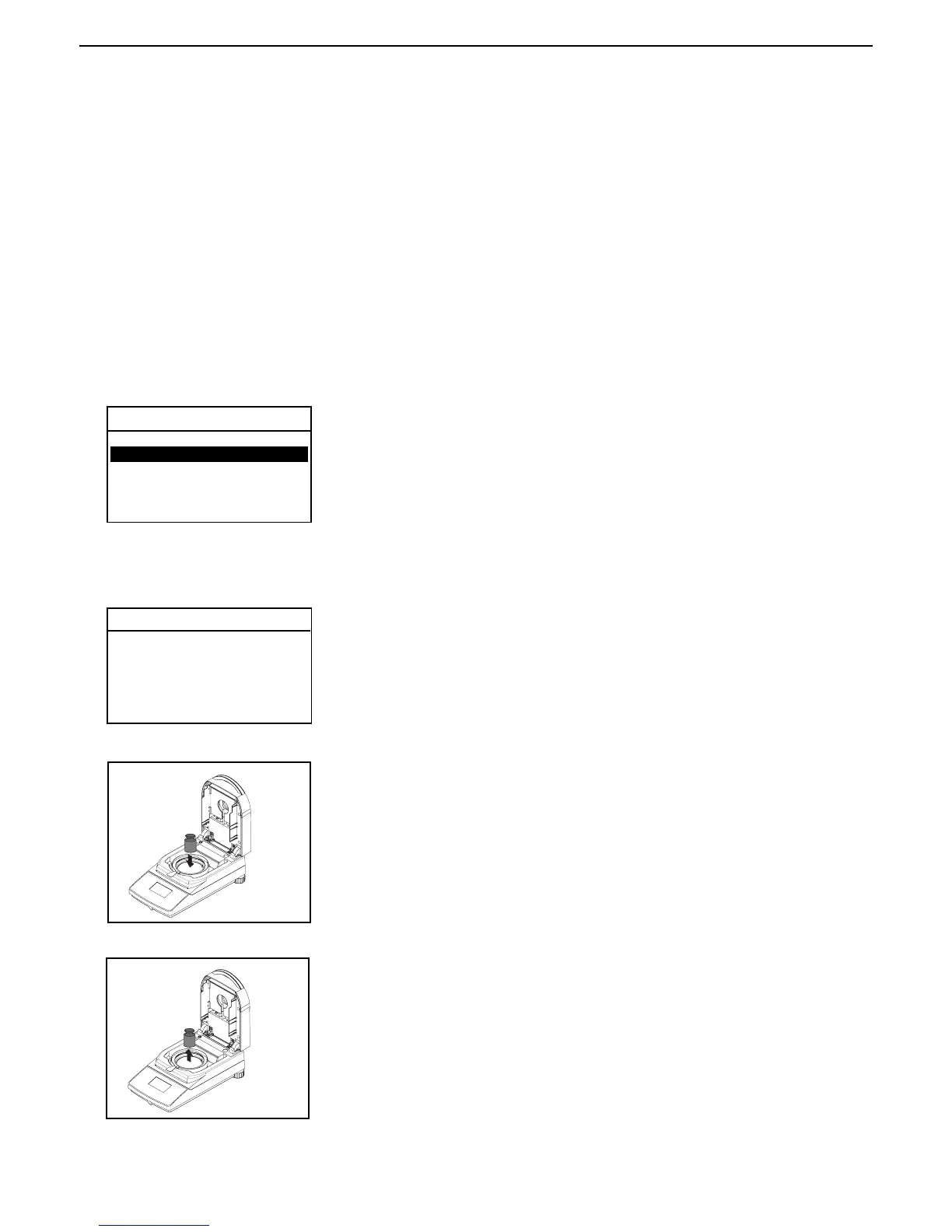
Place the required weight on the sample pan, close the cover.
Follow the instructions on the display. The display indicates if the calibration
was successful.



 To Next Page