35
Section 6 - Operating your Moisture Analyzer
6. Operating your Moisture Analyzer
This section contains information on the use of the Test Menu which will enable you to set the actual drying param-
eters such as Profile, Switch-Off, Display, Print Intervals, Target Weight and the use of the library.
6.1 The operating concept
You have already set the Moisture Analyzer setup in Section 5 and have tried the simple moisture determination in
Section 3. You are now ready to perform moisture determinations in a precise manner. The test menu shown in
Section 4 offers a number of setting possibilities to match the measurement process to your specific requirements. For
instance, you can select the drying temperature, type of display and many other parameters.
Please keep in mind the importance of preparing your sample, the distribution of the sample on the weighing pan, the
type of sample and the temperature range. Remember, the greater the number of uniform samples tested, the greater
the accuracy of the results. Before starting your test, refer to Appendix A for Application Examples. There is a table
which describes various sample types, sample weights, temperature programs and drying temperatures. You will find
this reference table very helpful in establishing test criteria. Please review this entire section before actually making
any settings to become familiar with the instrument.
6.2 Entering test ID
The TEST ID enables you to specify a name or date to identify the test, Up to nine alphanumeric characters may be
entered. If an entry is not made, a default of the current date followed by A is automatically made. If subsequent tests
are made and entries to the TEST ID are disregarded, the current date is again displayed followed by B, C etc.
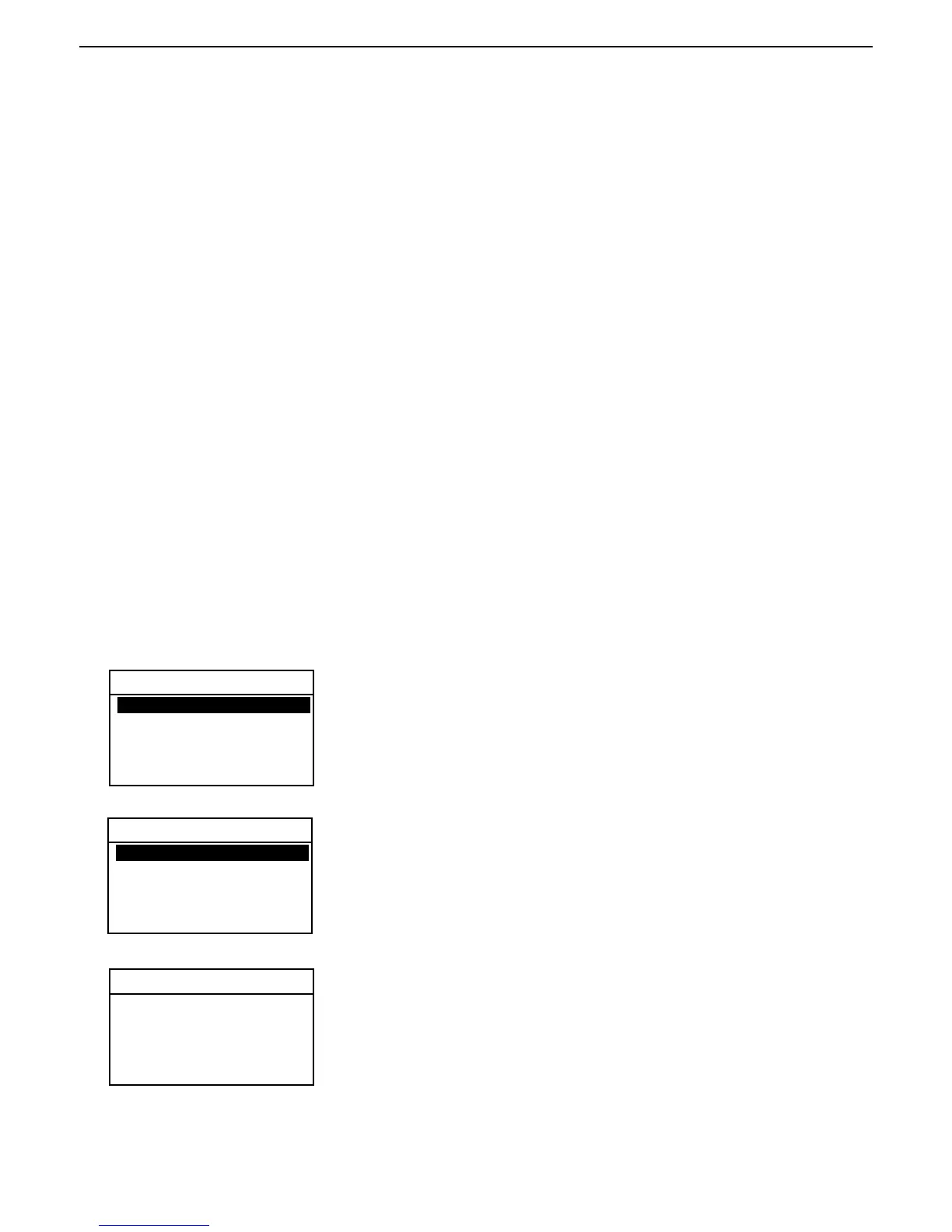
TEST PARAMETERS
Press the Test Menu button, TEST LIBRARY is displayed. The test library is
referred to in Section 7. Complete information on how to use the library is
covered in this section.
When starting a new test, EDIT TEST is displayed. Press the Enter button.
The screen will change to TEST PARAMETERS.
Using the arrow buttons, enter either a test name or identifying number and
press the Enter button. The display returns to TEST SETUP.
TEST ID
DEFAULT = 071000 A
EXIT WITHOUT SAVING
TEST LIBRARY
TEST ID DEFAULT is displayed when no tests have been entered, otherwise,
the last test appears and can be changed to a new test. Press the Enter
button.
-EDIT TEST-
01
02
03
04
05
TEST ID: -DEFAULT-
PROFILE: STANDARD
DRY TEMP: 180C
SWITCH OFF: AUTO 60
RESULT: MOISTURE %
CUSTOM: OFF



 To Next Page