45
Section 6 - Operating your Moisture Analyzer
TEST PARAMETERS
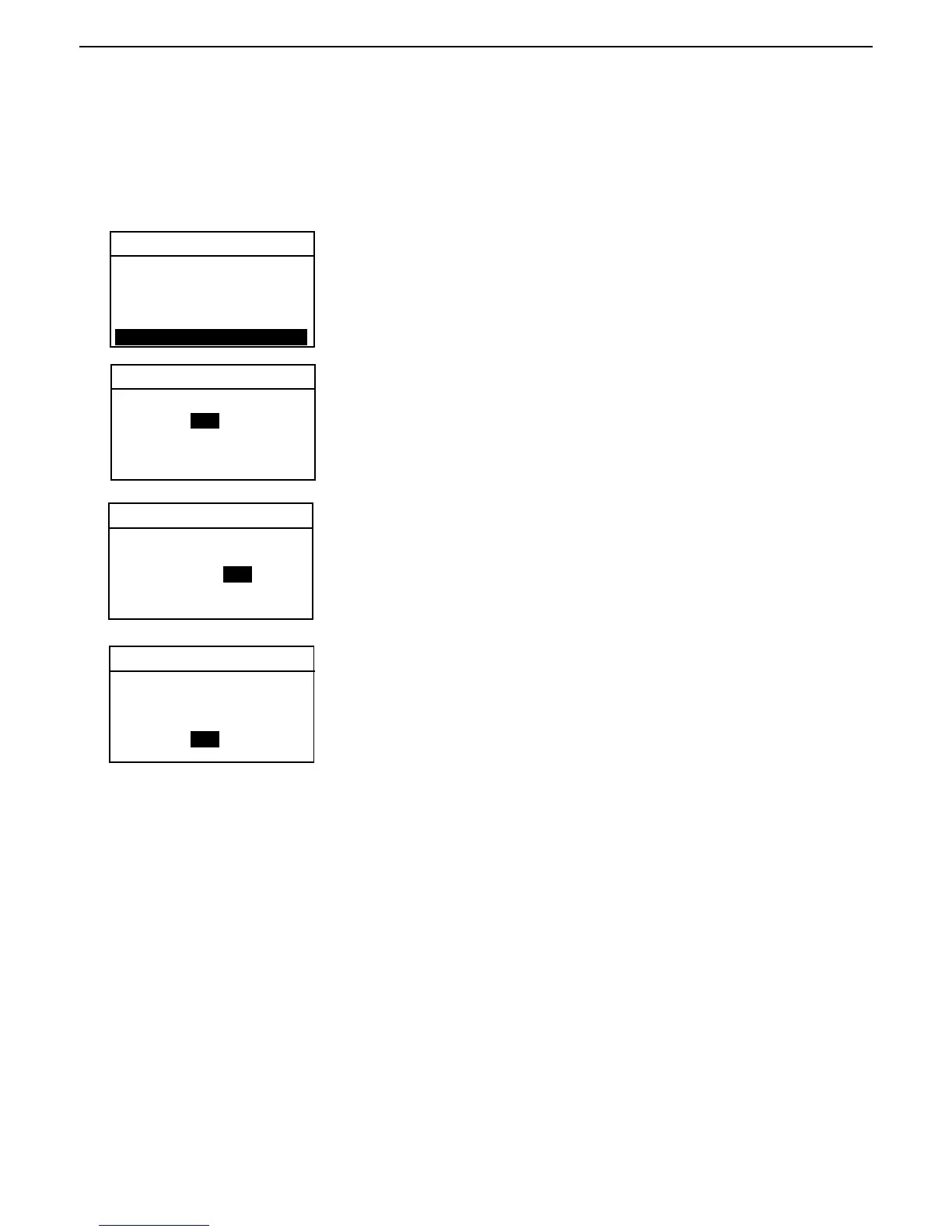
Using the arrow buttons, scroll to SAVE TEST and press the Enter button.
6.10 Saving test setup
Saving test setup saves all of the test parameters you have entered for the sample undergoing measurement. You
have the option of saving or not saving the data. When saved, the test parameters are stored in the Library. If you
want to exit without saving, see paragraph 6.11.
TEST 071000 B
Using the arrow buttons, select YES or NO and press the Enter button.
Using the arrow buttons, select the library number and press the Enter
button. If the library number has been previously assigned, you can over-
write the data. To prevent this, a screen with OK TO OVERWRITE, is dis-
played and you have the choice to select YES or NO.
6.12 Running the test setup
Running the test setup takes all of the test parameters you have entered for the sample undergoing measurement and
initates the test. Once all of the parameters have been entered, the main display automatically indicates the test
parameters and the test is ready to run.
SWITCH OFF: AFREE
RESULT: CUSTOM
CUSTOM: 1.00000
TARG. WGT: 1 GRAMS
PRINT INT: 5 SECOND
SAVE TEST:
SAVE TO TEST LIBRARY
YES
LIBRARY # 1
TEST 071000 B
SAVE TO TEST LIBRARY
YES
LIBRARY # 1
TEST 071000 B
SAVE TO TEST LIBRARY
YES
LIBRARY # 1
OK TO OVERWRITE?
NO
Press the Display button to return to main display.
6.11 Exiting test setup and not saving changes
When you want to exit any of the test setup procedures, you would press the Display button. This action will ignore
all entries made and bring you back to the first screen in Test Menu. You can continue to do this if a number of tests
have to be entered and not run at this time.



 To Next Page